Whisk Alternatives: 5 Recipe Apps Worth Trying in 2026
Summary
Whisk is now Samsung Food, so most people hunting for whisk alternatives want a recipe app that saves, plans and shops without the Samsung ecosystem pull. ReciMe is our pick for cooks who find dinner in TikTok and Reels. Plan to Eat is the sharpest planner, Paprika the best one-time purchase, Crouton the Apple favourite and Copy Me That the cheap starter.
Whisk is now Samsung Food, and the best Whisk alternative for people who cook from videos is ReciMe. It saves recipes from TikTok, Instagram and YouTube and keeps its meal planner free. Plan to Eat is the better swap if planning matters most, and Paprika wins if you want to pay once. Crouton and Copy Me That cover Apple fans and tight budgets.
Why people are looking for Whisk alternatives
Whisk started as an independent recipe app. Samsung bought it in 2019 and renamed it Samsung Food in 2023, and existing Whisk accounts and saved recipes carried over. So when you search for Whisk today, you land on Samsung Food. Same app, new name, new priorities.
Three complaints come up again and again in reviews. The free tier only recommends meals for a few days, and the paid Food+ plan costs $6.99 a month or $59.99 a year. Suggested plans do not always respect the diet you set. And the best features, like oven control, are built around Samsung appliances. One roundup also says the browser extension broke after the rebrand, while Samsung's homepage still advertises one, so test it before you rely on it.
What a Whisk replacement has to do
Whisk was a recipe box, a weekly planner and a shopping list in one place. Any alternative should do those three jobs. For a Reel2Recipe reader there is a fourth: what happens when the recipe only exists in a 40-second clip, with the amounts said out loud? We ranked five apps on all four, then on price, platforms and store ratings.
If you want the wider field, our best recipe apps comparison ranks six apps, and the best recipe organizer apps page goes deeper on filing and sync.
ReciMe: the pick for video cooks
ReciMe says it saves recipes from Instagram, TikTok, Facebook, Pinterest and YouTube, and from screenshots or photos of handwritten cards. The free plan allows 5 imports a week, and the grocery list, meal planner and cookbooks stay free. ReciMe Plus runs about $39.99 a year on the US App Store, which is $20 less than Food+.
Its iOS rating is 4.8 from 309K ratings, by far the biggest sample in this list. The honest limit: an AI import is only as good as the source. A creator who says "a splash of oil" still gives you a splash of oil, so read the ingredient list before you shop.
Plan to Eat: the planner Whisk users keep asking for
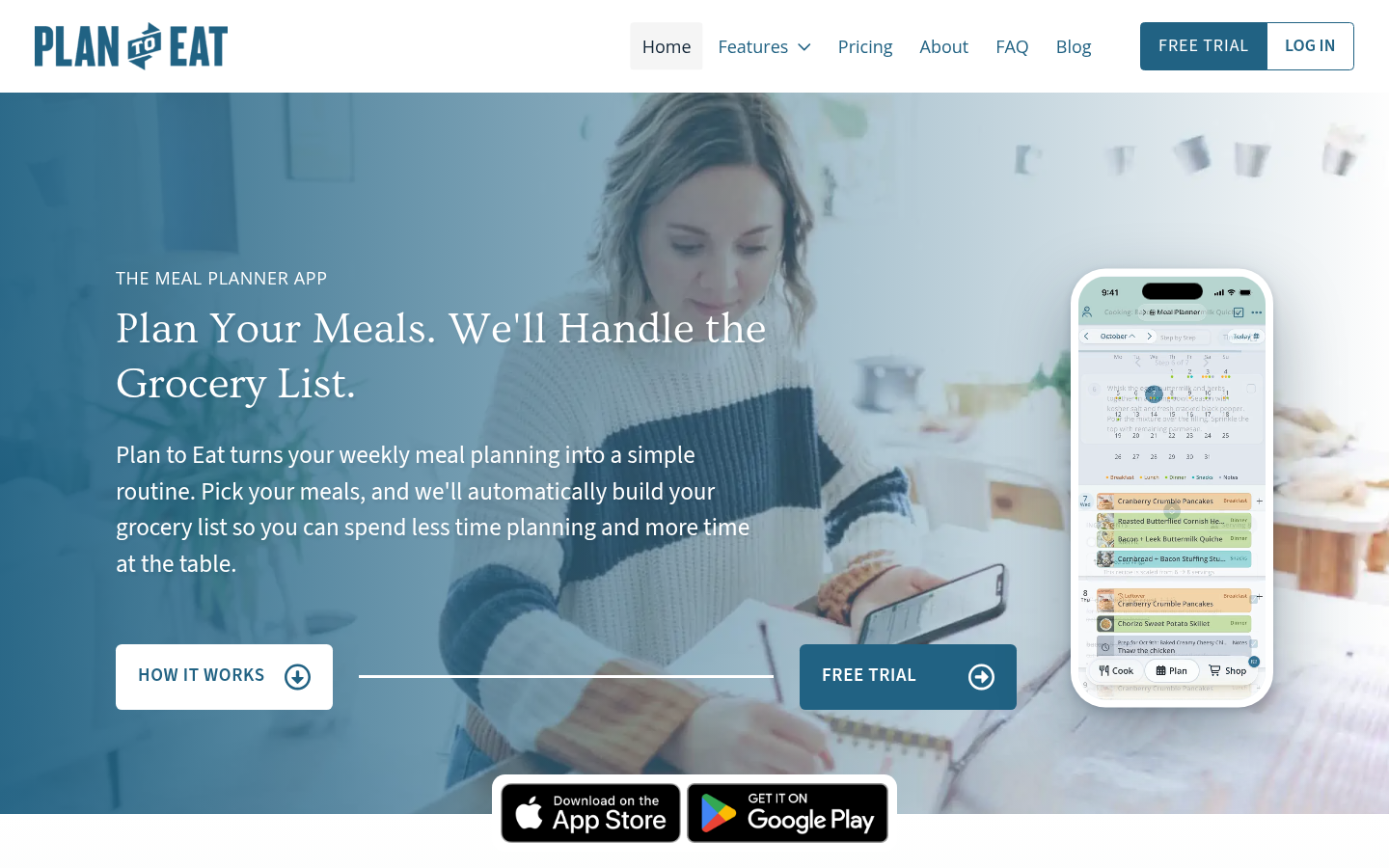
Plan to Eat is calendar-first. You drag recipes onto days, and it builds the grocery list by store and aisle. One account covers a whole household on iPhone, Android and the web. There is no free plan: after a 14-day trial it costs $5.95 a month or $49 a year, and the company says it never sells your data or shows ads.
Its own pricing page lists websites, Instagram, TikTok and Pinterest as clipper sources. It does not say whether a voiceover-only video gets transcribed, so run one real clip through the trial before you pay. Plan to Eat's own review of Samsung Food notes that it tracks frozen meals and batch cooking, which Samsung Food does not (a vendor claim, so weigh it accordingly).
Paprika: pay once and stop thinking about it
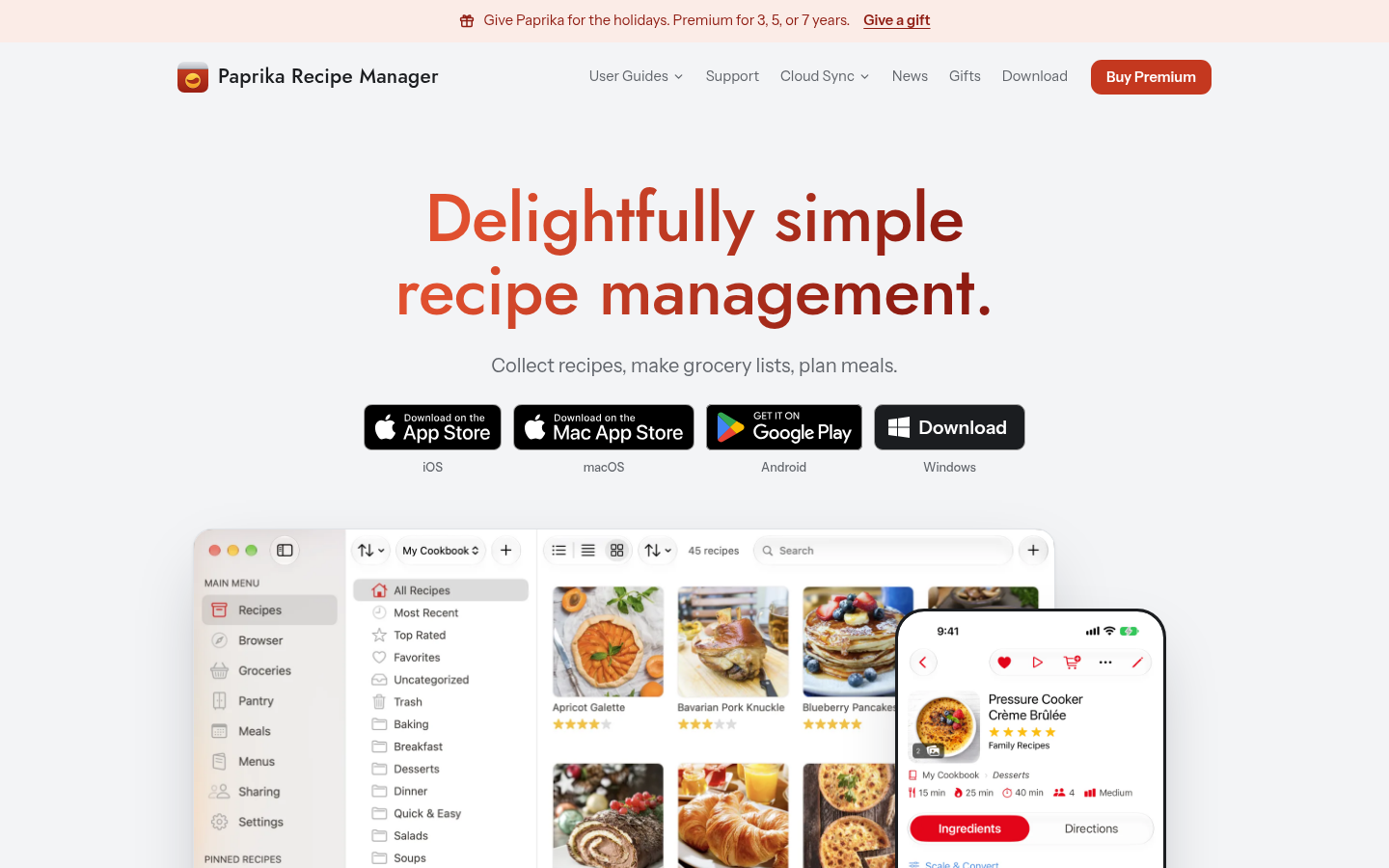
Paprika costs $4.99 on iPhone and Android and $29.99 on Mac and Windows, once, per platform. You browse inside its built-in browser, tap a button, and the recipe lands in your library with a photo. Cloud sync, aisle-sorted lists, a pantry and monthly meal plans are all there. Its 4.9 rating from 54K iOS ratings is the highest here.
The catch for video cooks is clear. A TikTok with the recipe only in the voiceover gives Paprika nothing to parse. It is the best website clipper in this group and the weakest for clips.
Crouton and Copy Me That: the two small options
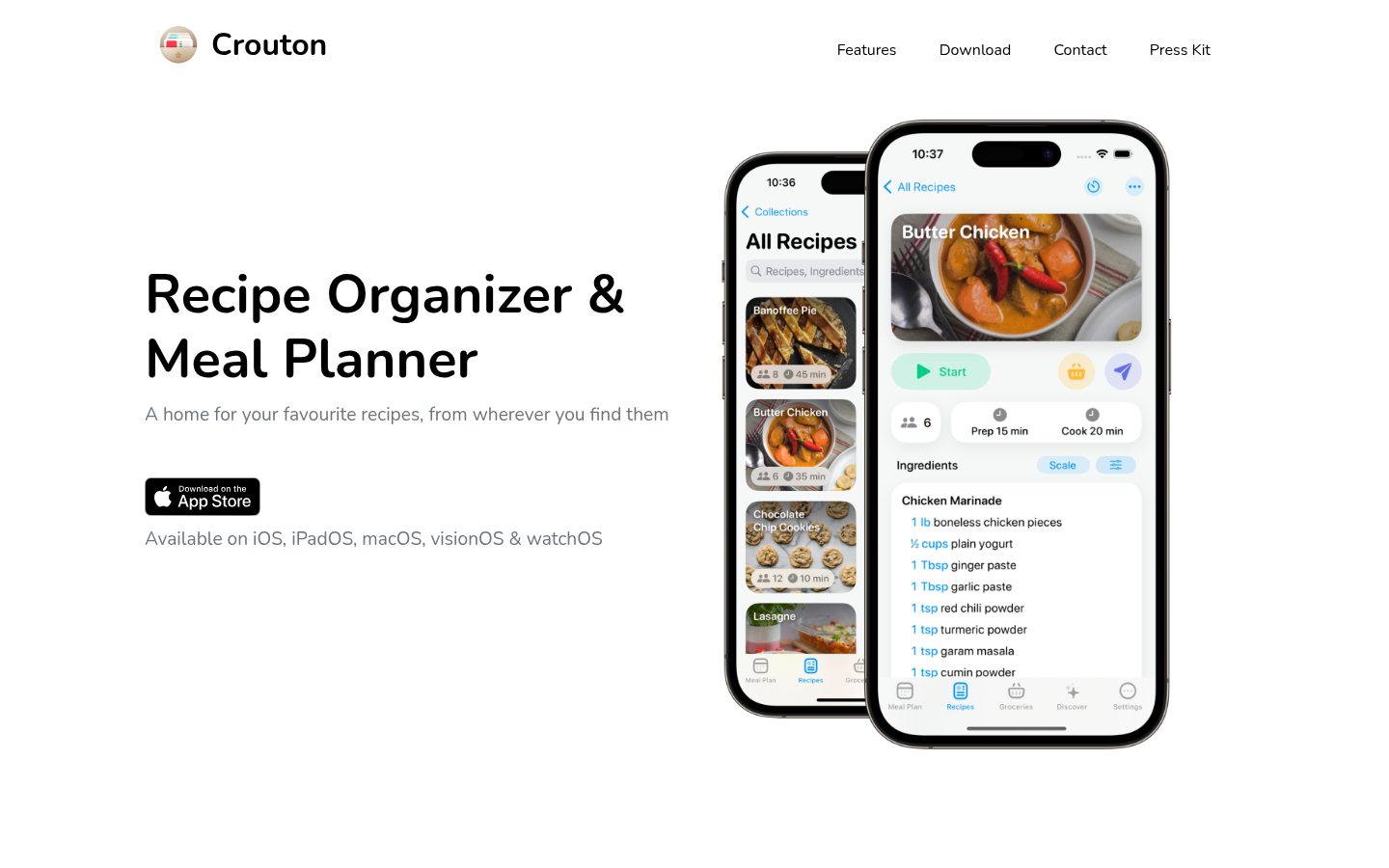
Crouton runs on Apple devices only. It imports from website links, photos, text and cookbook scans using AI and OCR, and runs several timers inside one recipe. Five recipes are free, then Crouton Plus is $24.99 once. Nothing on its site mentions social video, so it suits cooks whose recipes sit in books and notes.
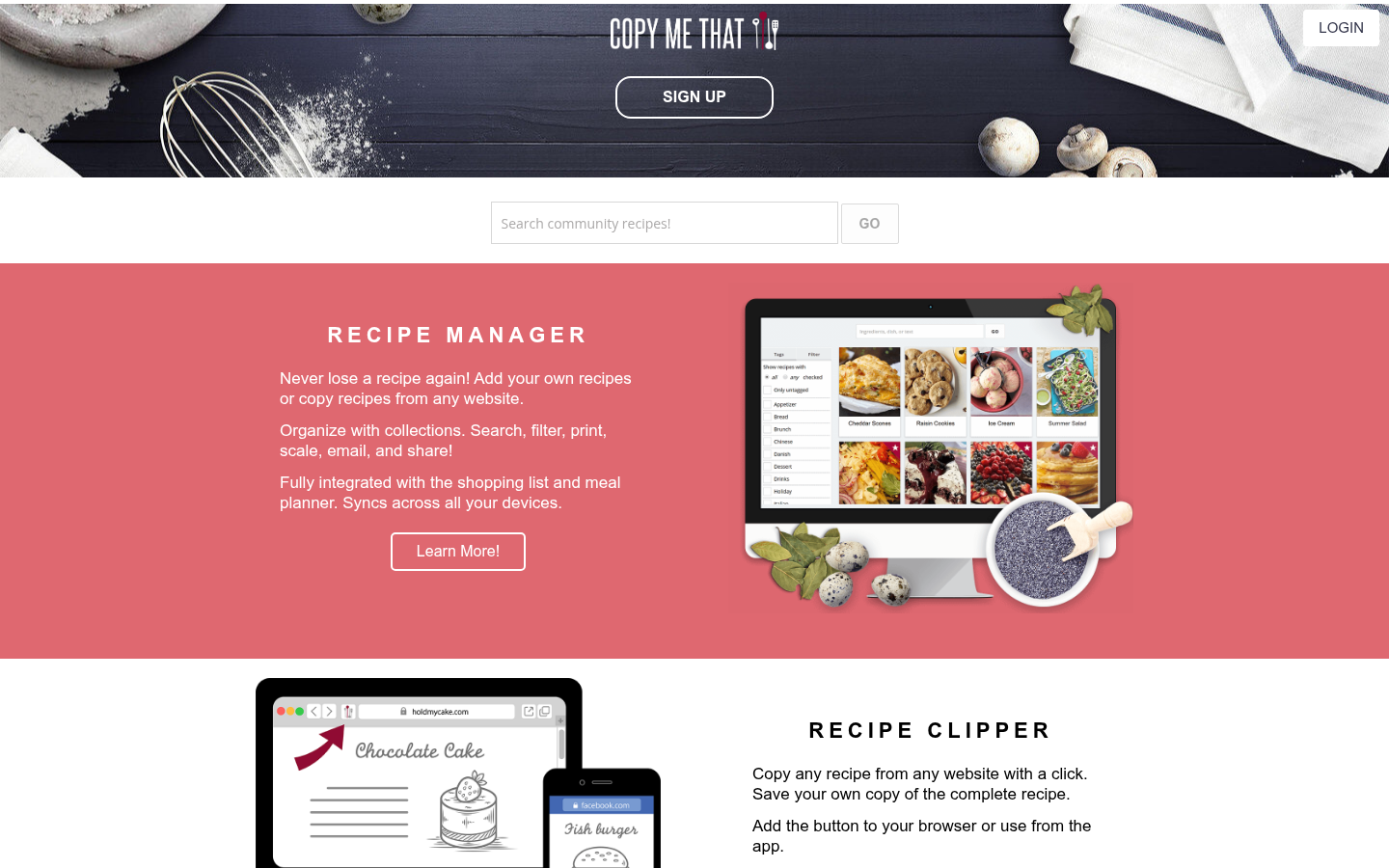
Copy Me That clips recipes from websites, keeps a link to the original page and lets you edit your own copy. Everything is free up to 40 recipes, then about $1 a month. The weak spots are a 3.9 Google Play rating and no described video extraction.
Which Whisk alternative should you pick
Recipes come from TikTok, Reels or YouTube: ReciMe.
You used Whisk mostly as a weekly planner: Plan to Eat.
You want to pay once and own it: Paprika.
You cook from printed cookbooks on Apple devices: Crouton.
You are just starting and want free: Copy Me That, or stay on Samsung Food.
If planning matters more than saving, our best AI meal planner comparison ranks five apps on that job alone.
What to check before you move your recipes
Export first. Samsung Food has no one-click bulk export that we could confirm, so budget an evening to move your favourites by hand, starting with the 20 you cook most. Then import one real recipe into the new app. Pick a video where the amounts are spoken, not written, and compare the result with the clip. Look for three things: whether quantities survived, whether steps are in the right order, and whether units match what you own. A pinch confused with a teaspoon is the classic miss.
Then check the price on your own platform. Paprika sells each platform separately, Crouton is Apple-only, and subscription prices differ between the web and the App Store.
Our verdict
For most readers of this site, ReciMe wins because it matches how recipes reach you now: through a phone, in a clip. Plan to Eat is the better planner and Paprika the better buy for website recipes. The more an app promises to turn video into a recipe, the more you should verify the first few results with the original in front of you.
At-a-glance
| ReciMe | Plan to Eat | Paprika Recipe Manager | Crouton | Copy Me That | |
|---|---|---|---|---|---|
| Price (US, as listed Nov 2026) | Free with 5 imports per week; ReciMe Plus about $39.99 per year | 14-day free trial, then $5.95 per month or $49 per year; no free plan | One-time purchase per platform, $4.99 on iPhone and Android, $29.99 on Mac and Windows | 5 recipes free; Crouton Plus $24.99 one-time | Free up to 40 recipes; about $1 per month after that |
| Platforms | iPhone, Android, web app, Chrome extension | iPhone, Android and the web | iPhone, iPad, Android, Mac, Windows (each sold separately) | iPhone, iPad, Mac, Apple Vision, Apple Watch | Web browser, iPhone, Android |
| Saving recipes from social posts | Instagram, TikTok, Facebook, Pinterest and YouTube, plus screenshots and photos | Its pricing page lists websites, Instagram, TikTok and Pinterest in the clipper | No video extraction; saves web pages through its built-in browser | Websites, photos, text and cookbook scans; no social video listed | Websites only; no video extraction described |
| Meal planning and shopping list | Free meal planner and grocery list sorted by supermarket aisle | Calendar planner, list sorted by store and aisle, household sharing, nutrition | Weekly or monthly plans, aisle-sorted lists, pantry tracking | Weekly planner, auto-generated plans, grocery list | Meal planner and shopping list included |
| Store rating | 4.8 from 309K iOS ratings | 4.8 on the App Store and 4.7 on Google Play, as shown on its site | 4.9 from 54K iOS ratings | 4.8 from 2.9K iOS ratings | 4.6 on iOS; 3.9 on Google Play from 1.5K reviews |
ReciMe
- Saves from Instagram, TikTok, Facebook, Pinterest and YouTube
- Free plan keeps the meal planner and grocery list
- Works on iPhone, Android and the web
- Free plan stops at 5 imports per week
- Messy or handwritten sources can still need manual cleanup
- Premium is a subscription, pricier than a one-time purchase
The closest match for anyone who finds recipes in clips, with a planner that stays free.
Plan to Eat
- Calendar-first planner with household sharing
- Grocery list sorted by store and aisle
- No ads, and the company says it never sells your data
- No free plan after the 14-day trial
- Every feature sits behind one $49 yearly subscription
- No community feed to browse new recipes
The sharpest planner here, and the best swap if your Whisk use was mostly the calendar.
Paprika Recipe Manager
- Pay once per platform, with no subscription
- Reliable built-in browser for saving web recipes
- Cloud sync, aisle-sorted grocery lists and a pantry
- Cannot pull a recipe out of a video-only post
- Every platform version is bought separately
- The interface looks dated next to newer apps
Best for blog recipes and people who hate subscriptions, weakest for video.
Crouton
- Crouton Plus is a $24.99 one-time purchase
- AI and OCR import from photos and cookbook pages
- Multiple timers and unit conversion inside the steps
- Apple devices only, with nothing for Android
- No social video import listed on its own site
- Only 5 recipes are free before you pay
A tidy Apple-only choice, best for cooks who work from printed cookbooks.
Copy Me That
- Free up to 40 recipes with every feature
- Clipper keeps a link back to the original page
- Costs about $1 per month once you pass 40 recipes
- Android rating is only 3.9 on Google Play
- No video or social extraction is described
- The interface looks older than the competition
A fair free starter, but it will not read a video for you.
Verdict
Pick ReciMe if your recipes arrive as TikToks, Reels and YouTube clips, because it is the only app here whose own site lists those sources and it keeps the planner free. Pick Plan to Eat if the calendar and household sharing were your reason for using Whisk. Pick Paprika to stop paying monthly. Samsung Food is still a fine free app, so do not leave on principle: leave because a specific job, like video recipes or batch cooking, is not getting done.
How we tested
This comparison is desk research, not a month of cooking with each app. On 7 November 2026 we read each product's official site and pricing page, its store listing for ratings, and independent reviews for known limits. Prices are US figures and change often, so check your own store. We scored each app out of 5 on fit as a Whisk replacement: saving recipes from the web and from social posts, meal planning and lists, price fairness, platform reach and how users rate it. Nobody paid for a placement and none of these links carries an affiliate tag. Where an app's own site does not confirm a feature, we say so instead of assuming it.