From reel to recipe in three steps
Reels are made to watch, not to cook from. Reel2Recipe turns that 30-second blur into something you can actually follow at the stove — structured, scannable and yours to keep.
- 01
Paste the video
Drop a link to any cooking video — or, right here on the page, paste the reel’s caption into the free parser.
- 02
AI reads it
It detects ingredients with quantities, the order of steps, the cook time and how many it serves.
- 03
Cook from the card
You get a clean recipe you can follow, copy, save or translate. The video stays where it was — you keep the recipe.
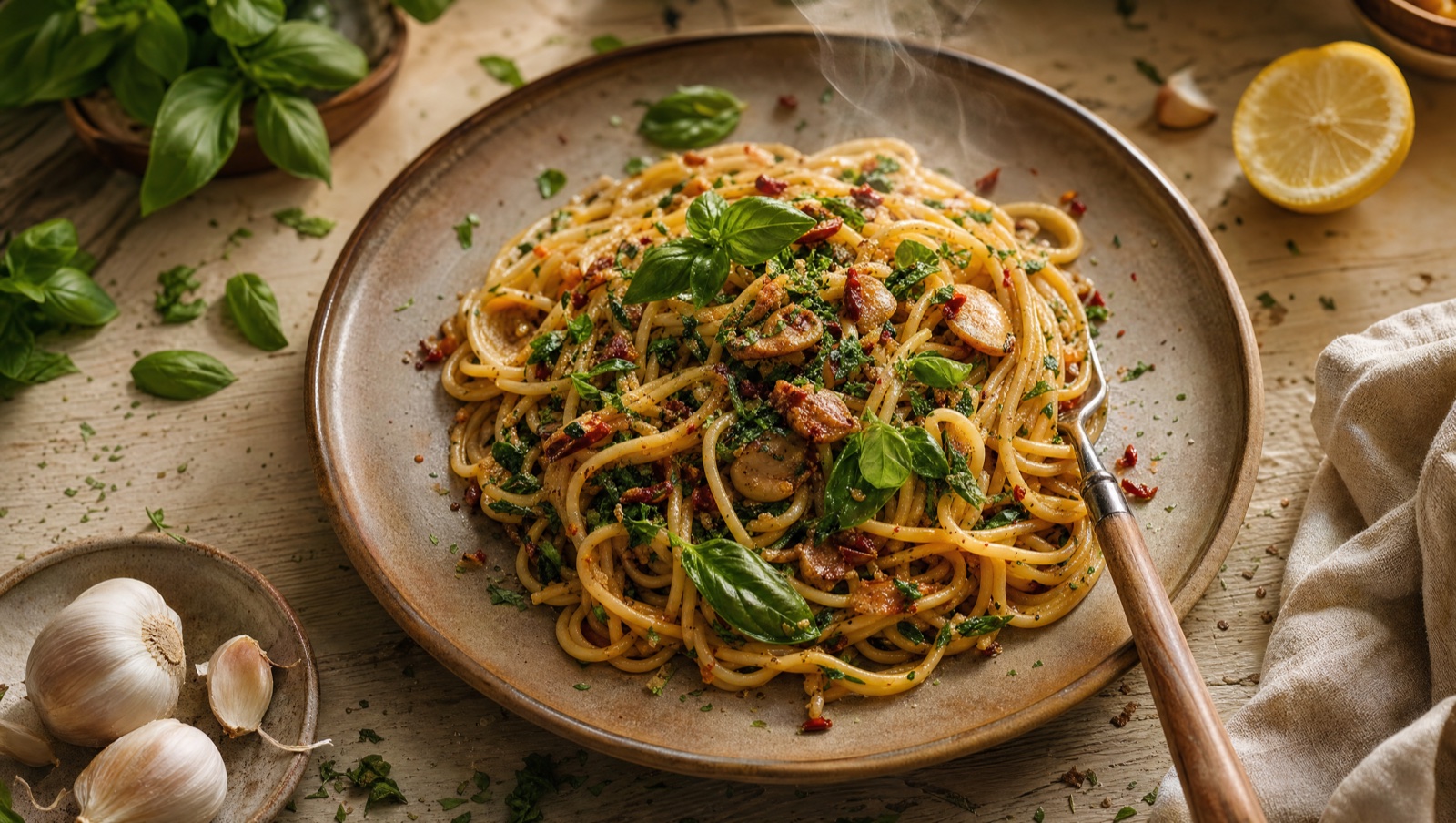
Stop watching recipes. Start cooking them.
Every reel you’ve saved is a dinner you haven’t made yet. Reel2Recipe sets them free.
The reel was the inspiration. This is the recipe.
Reads the whole video
The app watches and listens — on-screen text, the voiceover, the steps — and pulls out every ingredient and move, not just what’s in the caption.
A real recipe card
Ingredients with quantities, numbered steps, servings and time — laid out clean, so you can cook with your phone on the counter, no scrubbing.
Any platform
YouTube, TikTok, Instagram, Facebook — if it’s a cooking video, it becomes a recipe. Save it, print it, or send it to your grocery list.
Cook in your language
Found a recipe in a language you don’t speak? The AI gives you the recipe in yours. Thirteen languages, same dish.
Good questions
How does it turn a video into a recipe?
The app analyses the cooking video — the on-screen text, the spoken steps and what’s happening on camera — and uses AI to reconstruct a structured recipe: ingredients with quantities, ordered steps, time and servings. The free parser on this page works on a reel’s caption text right in your browser.
Which platforms work?
YouTube, TikTok, Instagram and Facebook cooking videos. Short reels and longer videos both work — if someone’s cooking, it can become a recipe.
Is it free?
The caption parser here is free with no account. The full app converts YouTube videos for free and adds TikTok, Instagram and Facebook plus saving and PDF export on the premium plan.
How accurate is it?
It’s very good with clear cooking videos and gets you a faithful, cook-ready draft in seconds. Creators don’t always say every quantity out loud, so give the card a quick glance before you shop — then adjust to taste.
Do I need the recipe in the caption?
Not for the app — it reads the video itself. The free in-browser parser does need text to work with, so paste whatever the creator wrote: even a messy caption becomes a clean card.
Turn your next saved reel into dinner.
Paste a caption, get a recipe, cook the thing you’ve been re-watching for weeks.
Try the parser