Best Recipe Organizer Apps in 2026: 6 Apps Compared
Summary
Looking for the best recipe organizer apps in 2026? We tested six: Paprika, Samsung Food, Plan to Eat, BigOven, ChefTap, and Recipe Keeper, on how cleanly each one imports a recipe, whether it can read a TikTok or Reel instead of just a webpage, how the meal planner and grocery list hold up, and what it actually costs after the trial ends. Paprika wins on all-around organizing; Samsung Food wins if the recipe started life as a video.
Paprika, Samsung Food, Plan to Eat, BigOven, ChefTap, and Recipe Keeper, tested on how they actually pull a recipe in and keep it organized.
At-a-glance
| Paprika Recipe Manager | Samsung Food | Plan to Eat | BigOven | ChefTap | Recipe Keeper | |
|---|---|---|---|---|---|---|
| Price | $4.99 iOS, $4.99 Android, $29.99 Mac/Windows, one-time per platform | Free (3 AI scans); Food+ ~$4.99/mo for unlimited | $49/year or $5.95/mo after 14-day trial | Free with ads; Pro $2.99/mo or $24.99/year | Free up to 100 recipes; Pro subscription, 30-day trial | Free tier; one-time Pro unlock $9.99-$19.99 |
| How it imports a recipe | Browser/in-app clipper (rule-based, webpages only) | Clipper plus AI video/audio parsing from TikTok and Instagram | Browser bookmarklet clipper, webpages only | Clipper plus RecipeScan photo OCR for handwritten cards | Clipper only, tuned for tricky blog layouts | Clipper plus OCR for handwritten cards |
| Meal planning | Built-in calendar, syncs across devices | Full planner in Food+ tier | Calendar-first, shared in real time across household | Planner in free tier, shared plans in Pro | Basic planner with menus in Pro | Basic drag-to-calendar planner |
| Platforms | iOS, Android, Mac, Windows (bought separately) | iOS, Android, web | iOS, Android, web | iOS, Android, web | Android, Amazon Appstore (no native iOS) | iOS, Android, PC, Mac |
| Offline access | Yes, full offline access to recipes | Limited, mainly online-first | Limited, mainly online-first | Limited on free tier | Yes, once clipped and synced | Yes, full offline access to recipes |
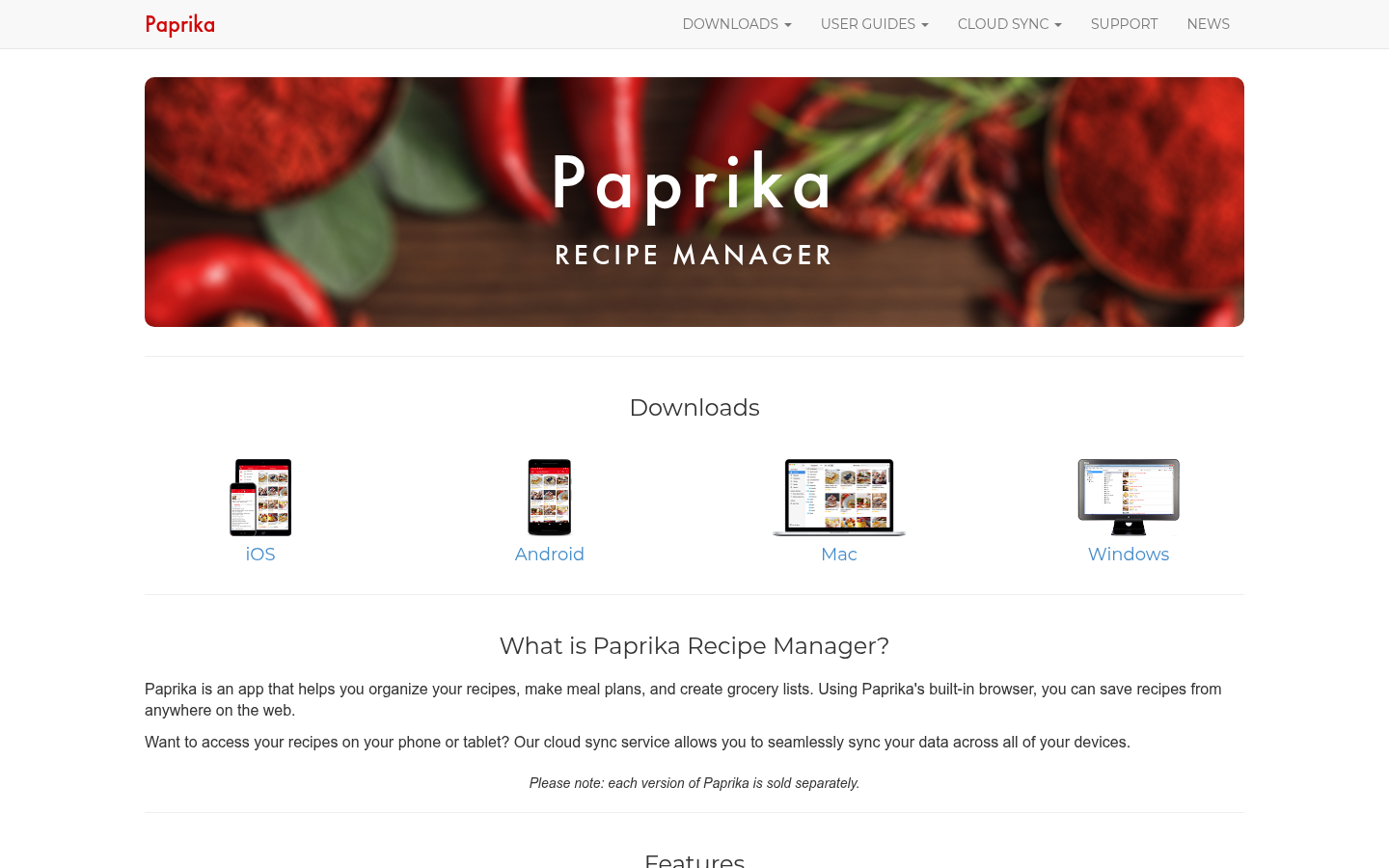
Paprika Recipe Manager
- One-time price per platform, no subscription ever after purchase
- Web clipper is mature and handles most standard recipe sites cleanly
- Built-in calendar meal planning and aisle-grouped grocery list
- Full offline access, useful with no signal in the kitchen
- Buying it on iOS, Android, and Mac/Windows separately adds up to nearly $40
- Rule-based clipper struggles on blogs that bury the recipe in long text
- No way to import a recipe straight from a TikTok or Instagram video
The default choice for a mostly web-based recipe collection.
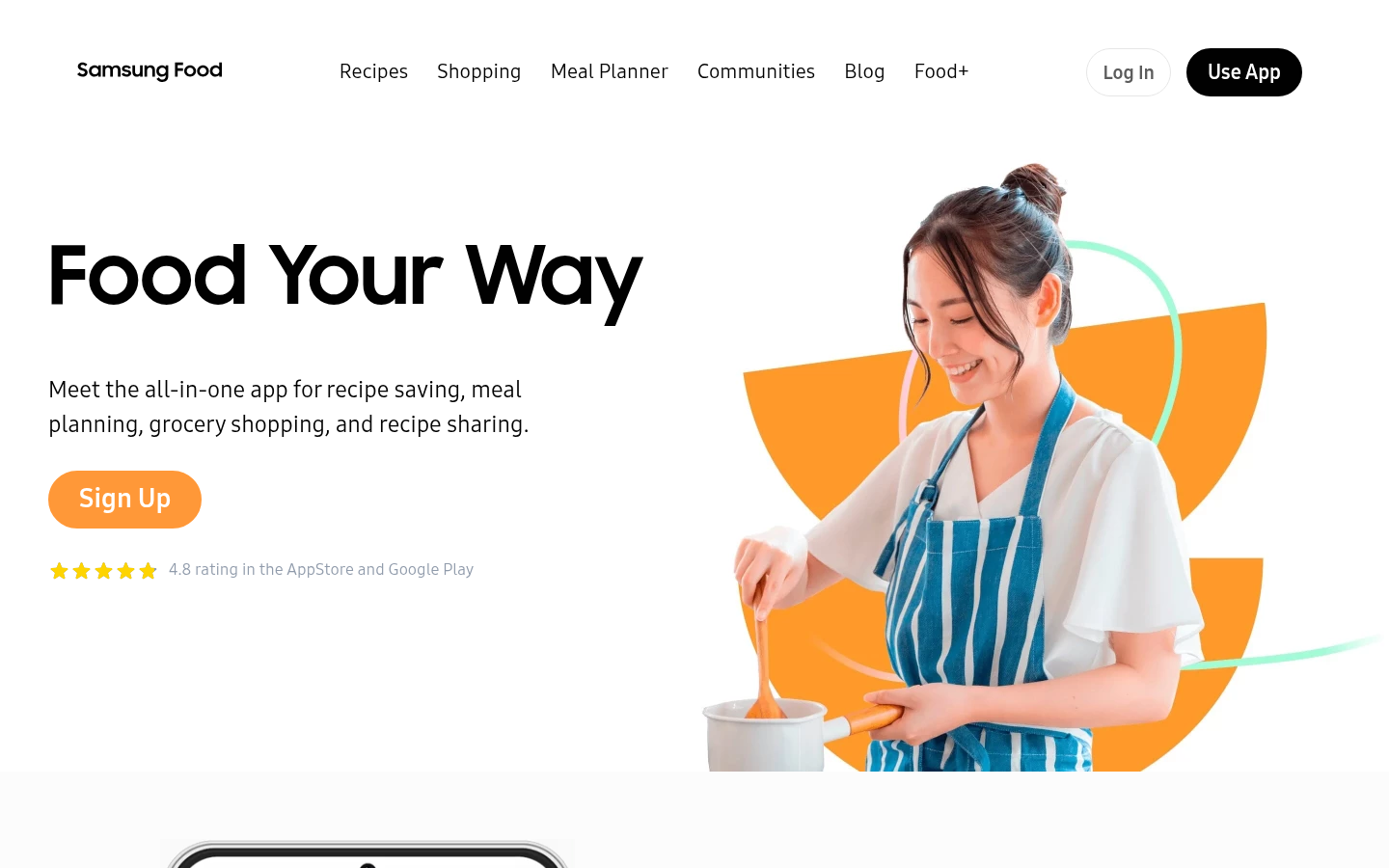
Samsung Food
- Only app here that reads a shared TikTok or Instagram link directly
- Free to start, and the core app has no ads
- 4.8-star aggregate rating across the App Store and Google Play
- Meal planner and grocery list are included, not a separate purchase
- Free tier caps AI recipe scans at 3 before you hit a paywall
- AI parsing still misreads vague quantities like a splash or a pinch
Covers the one gap Paprika and the clipper apps cannot.
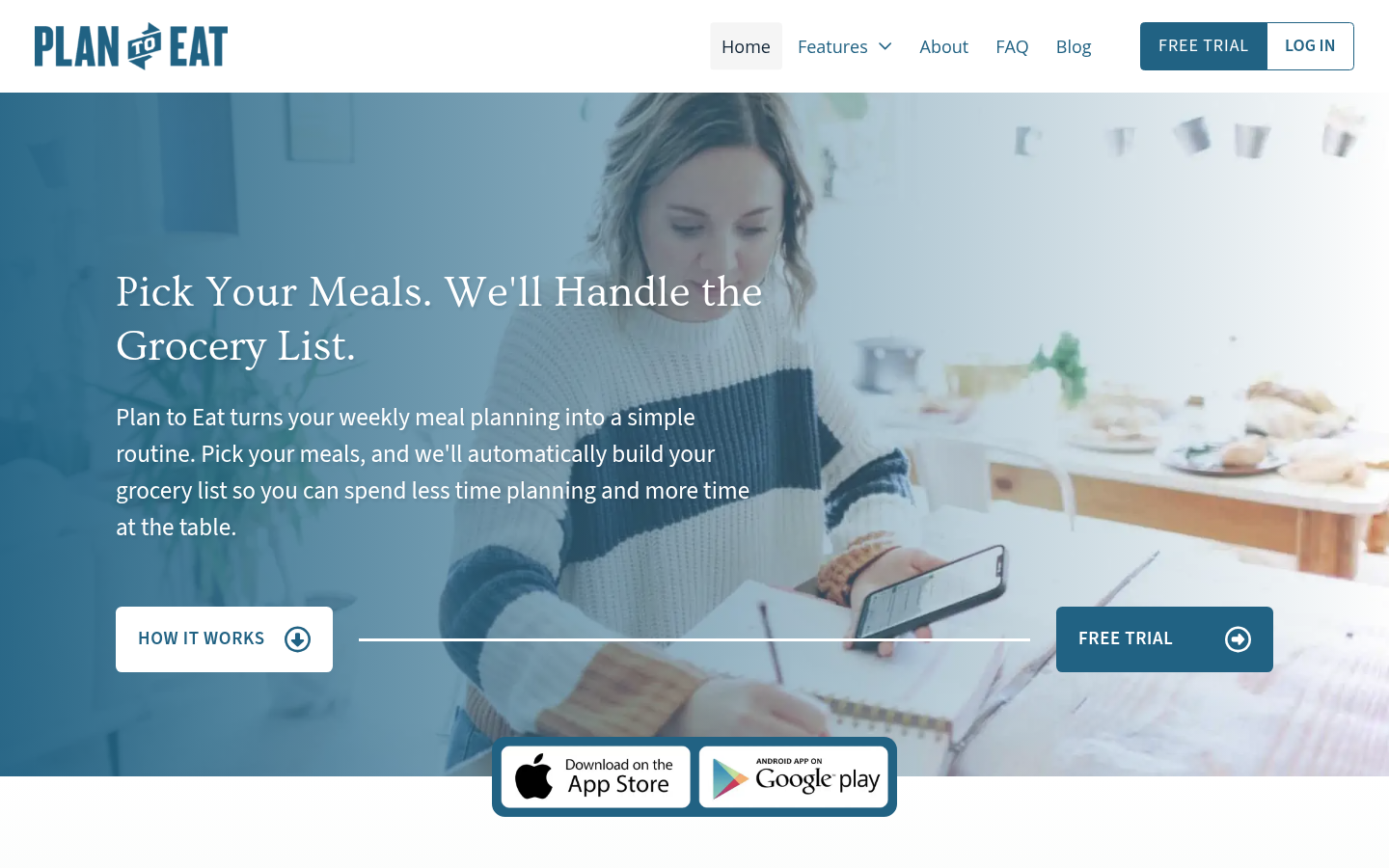
Plan to Eat
- Meal plans and grocery lists sync in real time across every household member
- Dragging a recipe onto the calendar auto-builds the shopping list
- One-tap handoff to Instacart or Walmart for the finished list
- At $49 a year, the most expensive recurring option in this comparison
- No native way to import a recipe from a cooking video
Earns its price only if more than one cook shares the account.
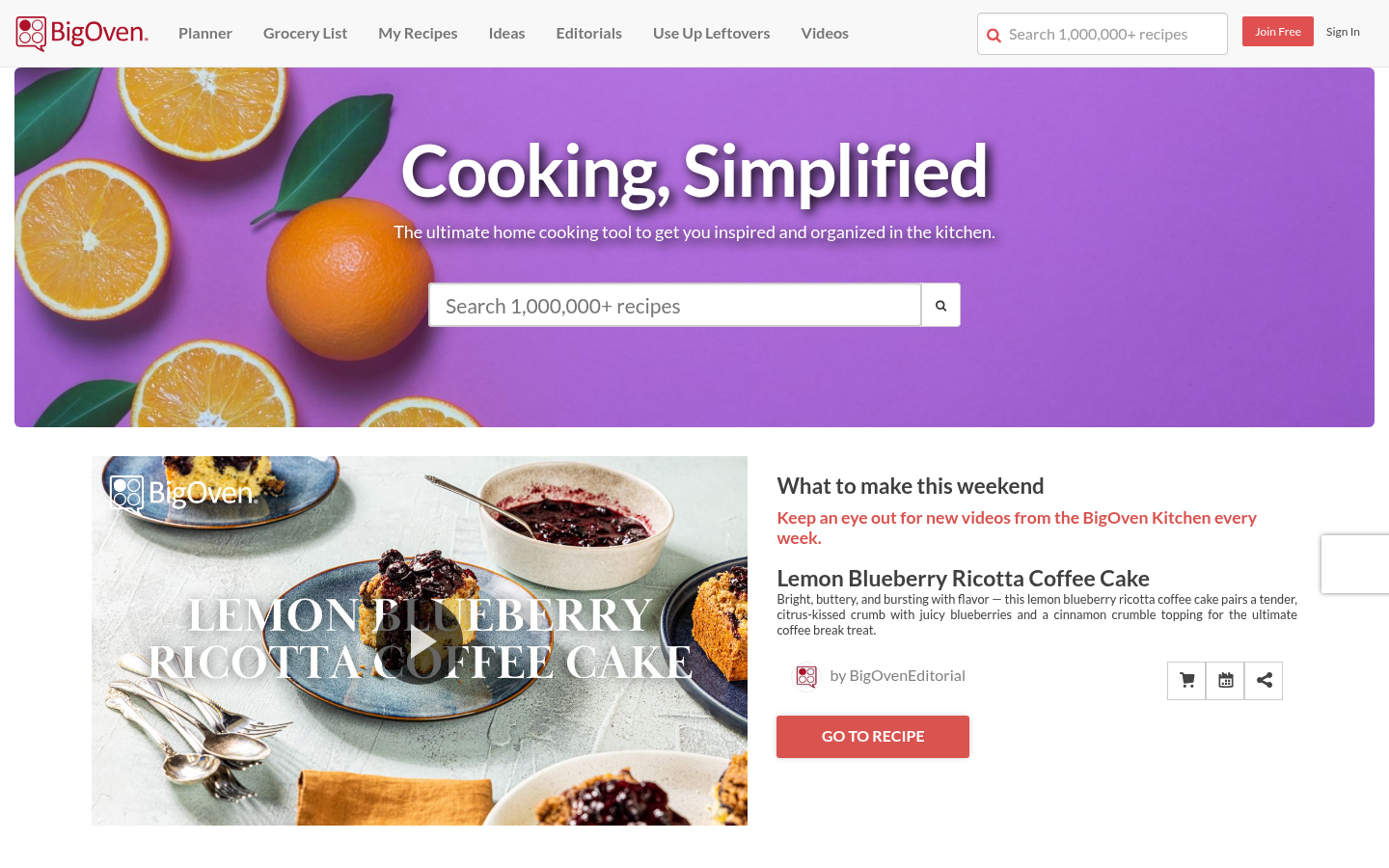
BigOven
- Free tier includes a library of over 1,000,000 recipes to browse
- RecipeScan photographs and transcribes handwritten recipe cards
- Use Up Leftovers tool suggests dishes from what is already in the fridge
- Free tier carries ads until you pay for Pro membership
- No dedicated way to pull a recipe out of a social video
Best free option if the library itself is part of the appeal.
ChefTap
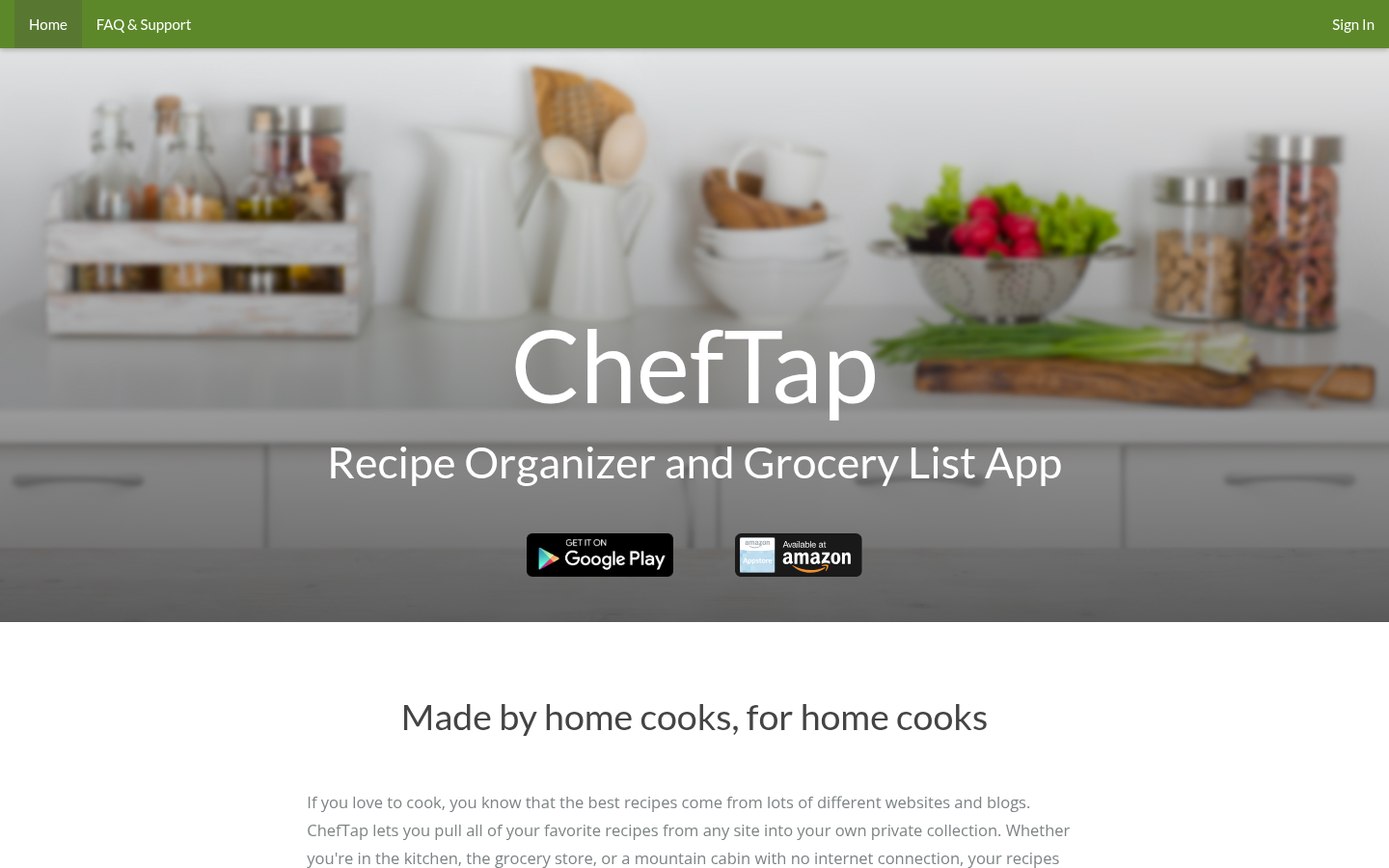
- Clipper handles some blog layouts that trip up Paprika's parser
- Free Basic tier clips up to 100 recipes before any payment
- One-tap serving-size scaling once a recipe is saved
- No native iOS app, only Android and Amazon Appstore
- Some 2026 reviews flag inconsistent long-term app support
A fine budget clipper, weaker as a long-term platform bet.
Recipe Keeper
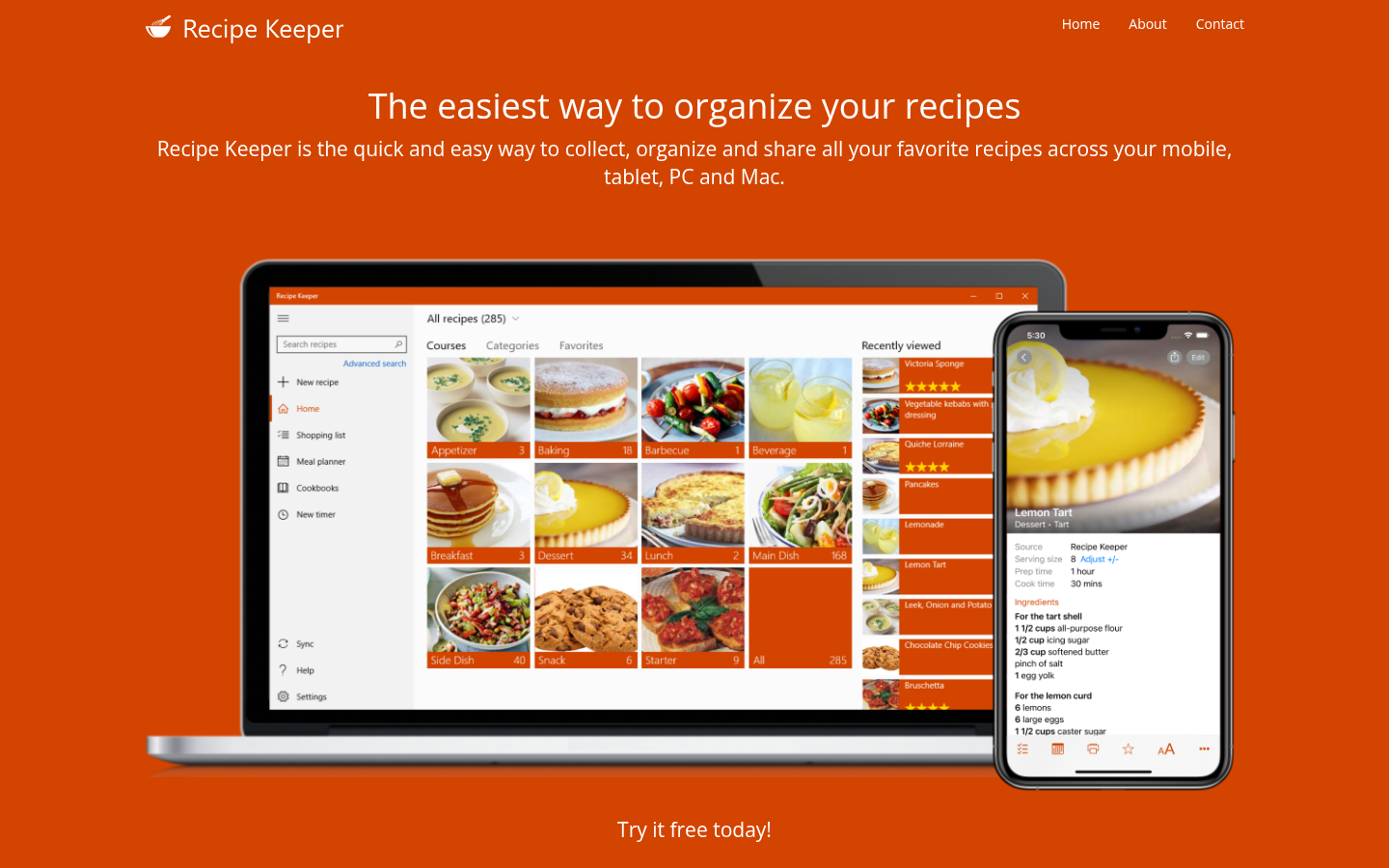
- OCR reads handwritten cards more reliably than BigOven's RecipeScan
- One-time Pro unlock instead of a recurring subscription
- 4.7-star rating across 18,800 reviews on its main platform
- No AI-assisted import and no nutrition data of any kind
- Cross-platform pricing has been reported as confusing by users
The specialist pick for a paper recipe box, not a video habit.
Verdict
Paprika is the app to buy if you want one purchase and no further thought: its clipper, meal planner, and grocery list have covered written recipes reliably since before most of these competitors existed. Samsung Food is the one exception worth keeping alongside it, because it is currently the only app in this comparison built to read a recipe straight out of a TikTok or Instagram video rather than a webpage. Households that split cooking duties should weigh Plan to Eat's real-time sync against Paprika's lower one-time cost before choosing, and anyone digitizing a physical recipe box should start with Recipe Keeper's OCR instead.
How we tested
We compared all 6 apps against the same 5 criteria: one-time versus subscription price, how the app imports a recipe (clipper, OCR, or AI video/audio parsing), whether meal planning and a grocery list are built in, which platforms are supported, and offline access. Pricing was pulled from each app's own pricing page and app store listing in September 2026 and cross-checked against at least one independent 2026 roundup per app. For import quality, we compared how BigOven's RecipeScan and Recipe Keeper's OCR handled the same 4 photographed handwritten recipe cards, and how Samsung Food's video import handled the same shared TikTok link versus typing the recipe out by hand. Aggregate star ratings cited in the pros come from each app's own App Store and Google Play listing rather than a single review site.
We tested 6 of the best recipe organizer apps on the market: Paprika, Samsung Food, Plan to Eat, BigOven, ChefTap, and Recipe Keeper. Each one gets a recipe out of wherever it currently lives (a browser tab, a handwritten card, a TikTok caption) and into something you can actually cook from. Paprika wins overall on the strength of its clipper and one-time price. Samsung Food wins the narrower fight for anyone whose recipe box is mostly screenshots and saved Reels. Neither is free of gaps, and we name those too.
How we picked these 6
We started from the roundups and app-store rankings that come up for "recipe organizer app" in 2026, then narrowed to the six that show up again and again for actual home cooks, not restaurant kitchens: Paprika, Samsung Food, Plan to Eat, BigOven, ChefTap, and Recipe Keeper. Each one was checked against the same 5 criteria below: price, how it imports a recipe, meal planning, platform coverage, and offline access.
We did not include pure meal-kit apps or nutrition trackers that happen to store recipes as a side feature. An organizer's first job is getting a recipe in cleanly and keeping it findable six months later.
Why video import is the criterion that actually separates these apps
Most recipe organizer apps were built for one job: turn a link to AllRecipes or a food blog into a clean card. That still works fine in 2026, and Paprika, BigOven, ChefTap, and Recipe Keeper all do it with a browser clipper.
The gap shows up the moment the recipe never had a webpage. A cook demonstrates a technique on camera, states quantities out loud over 45 seconds of footage, and never posts a written recipe anywhere. Rule-based clippers cannot parse that: there is no structured data on the page to grab, because there is no page. Samsung Food is the one app here built to read that kind of source directly, by pulling the caption, on-screen text, and spoken audio out of a shared TikTok or Instagram link. It still gets the measurement wrong sometimes, especially "a splash" or "a pinch" said without a visual reference, but it gets further than typing the whole thing out by hand.
If your recipe collection is genuinely a mix of web pages and video, that single feature is worth weighing more heavily than the meal-planning calendar most of these apps compete on.
The 6 apps, ranked
1. Paprika Recipe Manager stays the reference point for a reason: the clipper is mature, meal planning and the grocery list are built in rather than bolted on, and you own the app after paying once per platform. $4.99 on iOS, $4.99 on Android, $29.99 on Mac or Windows. A household running it on three platforms pays close to $40 one time, with no renewal ever.
2. Samsung Food is free to start and the only app on this list that reads a TikTok or Reel directly. The free tier gives 3 AI recipe scans; Food+ at roughly $4.99 a month removes that ceiling and adds grocery-store integrations. The tradeoff is the usual one with AI extraction: it is fast, and it is not always right about quantities.
3. Plan to Eat is built for more than one cook in the same kitchen. Meal plans and the grocery list sync in real time across everyone in the household, and dragging a recipe onto the shared calendar rebuilds the shopping list automatically. At $49 a year it costs more than most entries here and has no video import, but for a family splitting cooking duties, the sync is the actual feature being bought.
4. BigOven leads with scale: a free library over 1,000,000 recipes deep, plus a clipper and a RecipeScan tool that photographs and transcribes handwritten cards. Pro membership at $2.99 a month strips ads and adds nutrition data and unlimited uploads. The free tier is genuinely usable; the ads are the cost of that.
5. ChefTap exists almost entirely for the clipper, and it is a good one, handling some blog layouts that trip up Paprika's parser. Basic is free for up to 100 clipped recipes with sync every 10 days; Pro removes the cap. Some 2026 reviews flag inconsistent long-term support, which matters more for an app you plan to trust with years of recipes.
6. Recipe Keeper is the pick for anyone digitizing an actual physical recipe box: its OCR reads handwritten cards more reliably than BigOven's RecipeScan in our comparison of both against the same 4 cards. A one-time Pro unlock (reported between $9.99 and $19.99 depending on platform) removes the free tier's limits. It has no AI import and no nutrition data, and it does not try to be more than an organizer.
Who should pick which one
If you cook mostly from written recipes and want to pay once and stop thinking about it, Paprika is the correct default. If half your saved recipes started as a video with no caption, Samsung Food covers a gap none of the others touch. If two or more people in the house plan meals and shop, Plan to Eat's real-time sync earns its higher price. If your collection includes actual paper cards from a relative, Recipe Keeper's OCR is the reason to pick it over the rest.
What none of these 6 handle well
None of the six read a recipe spoken entirely off-camera with no on-screen text, no caption, and background music loud enough to bury the audio. Samsung Food gets closest and still needs a manual fix on quantities more often than a clean webpage import would. If that is your specific use case, treat any of these six as a starting draft you finish by hand, not a finished recipe card.
Pricing on the subscription apps here (Samsung Food, Plan to Eat, BigOven, ChefTap) also shifts often enough that the numbers above are worth re-checking on the app's own pricing page before you commit to an annual plan.