Best AI Meal Planner Apps of 2026: 5 Tested Head-to-Head
Summary
Looking for the best AI meal planner in 2026? We tested five: Samsung Food, Mealime, Eat This Much, Paprika, and Plan to Eat. Samsung Food wins for anyone who saves recipes from TikTok or Reels: its AI actually reads the video and builds a real recipe from it. Mealime wins on price, Eat This Much on macros, Plan to Eat on shared households, and Paprika on owning your recipe box for good.
Five AI meal planners, one test: can any turn the TikTok recipe you saved last night into a weekly plan? We ran Samsung Food, Mealime, Eat This Much, Paprika, and Plan to Eat side by side to find out.
At-a-glance
| Samsung Food | Mealime | Eat This Much | Plan to Eat | Paprika Recipe Manager | |
|---|---|---|---|---|---|
| Price | Free (3 AI scans/mo) + Food+ ~$4.99/mo | Free (1-day plan) + Premium ~$5-6/mo | Free plan + Premium ~$5-9/mo | $5.95/mo or $49/yr, 14-day trial | One-time $4.99-$29.99, no subscription |
| Recipe & Video Import | AI reads TikTok/Reels/YouTube video and captions into a recipe | None, recipes come only from Mealime's own library | None, meals are generated, not imported | Bookmarklet imports from recipe websites, no video | Clipper imports from recipe websites, no video |
| Grocery List & Delivery | Auto-built from saved recipes, US store integrations | Auto-generated by aisle, Instacart delivery | Auto from plan, Instacart/Amazon Fresh/Walmart | Auto from calendar, one-tap Instacart/Walmart | Auto from calendar, no delivery integration |
| Diet & Macro Customization | Dietary tags plus AI meal plan suggestions | Dietary filters, fixed weekly structure | 20+ diet types, calorie/macro targets to within 5% | Manual tagging and custom categories only | Manual tagging only, no automated generation |
| Multi-User / Family Sharing | Shared folders, scanned recipes stay private | Single-user, no real-time household sharing | Single-user focus | Real-time shared calendar and grocery list | Syncs across your own devices only |
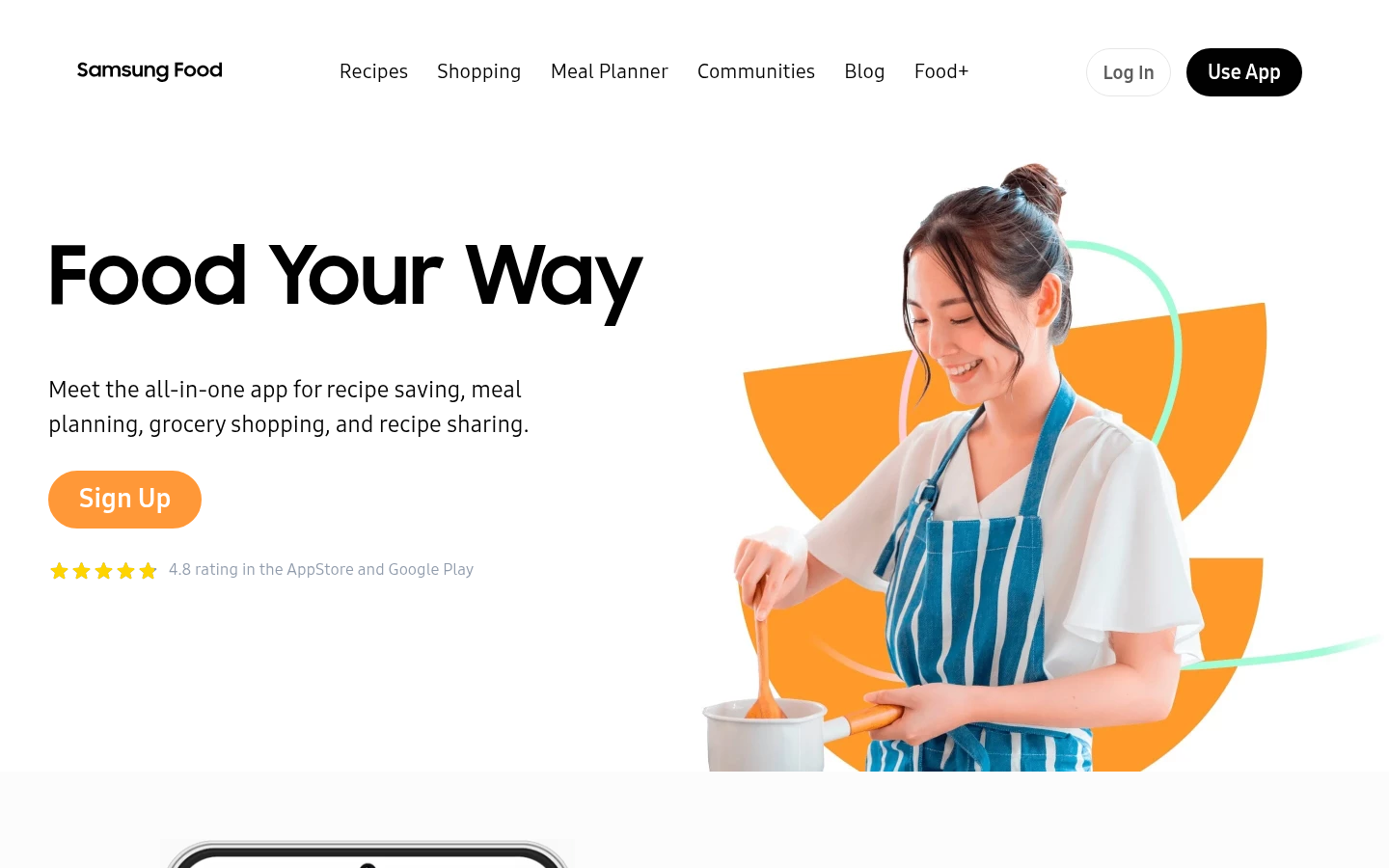
Samsung Food
- Reads a TikTok, Reel, or YouTube video into a structured recipe, even with no written ingredient list
- Free tier includes 3 AI scans a month, enough to genuinely test the feature
- Grocery list builds automatically from saved recipes, with US store integration
- Unlimited AI scans require the Food+ subscription at roughly $4.99 per month
- The Chrome extension has been unreliable since the 2023 rebrand from Whisk
Best pick if your meal plan starts from a saved video, not a cookbook.
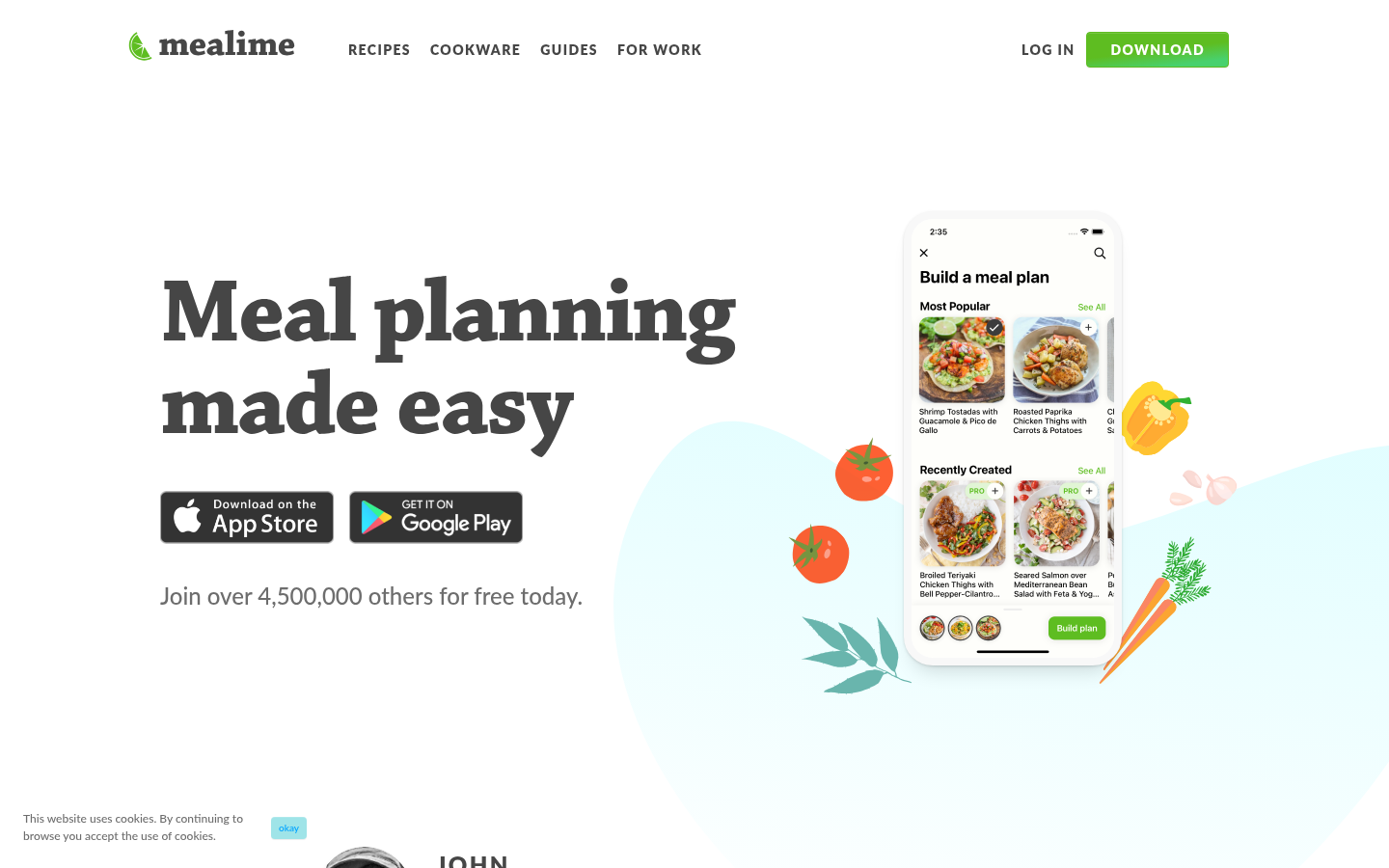
Mealime
- Fully free weekly planning tier with no credit card required
- Recipes deliberately overlap ingredients across the week to cut food waste
- Cooking mode keeps the screen awake for hands-free scrolling while cooking
- No AI generation at all; recipes are curated and start repeating after a few months
- Zero video or social-media import, so a saved Reel must be retyped by hand
A solid free planner, but it will not touch the videos you actually cook from.
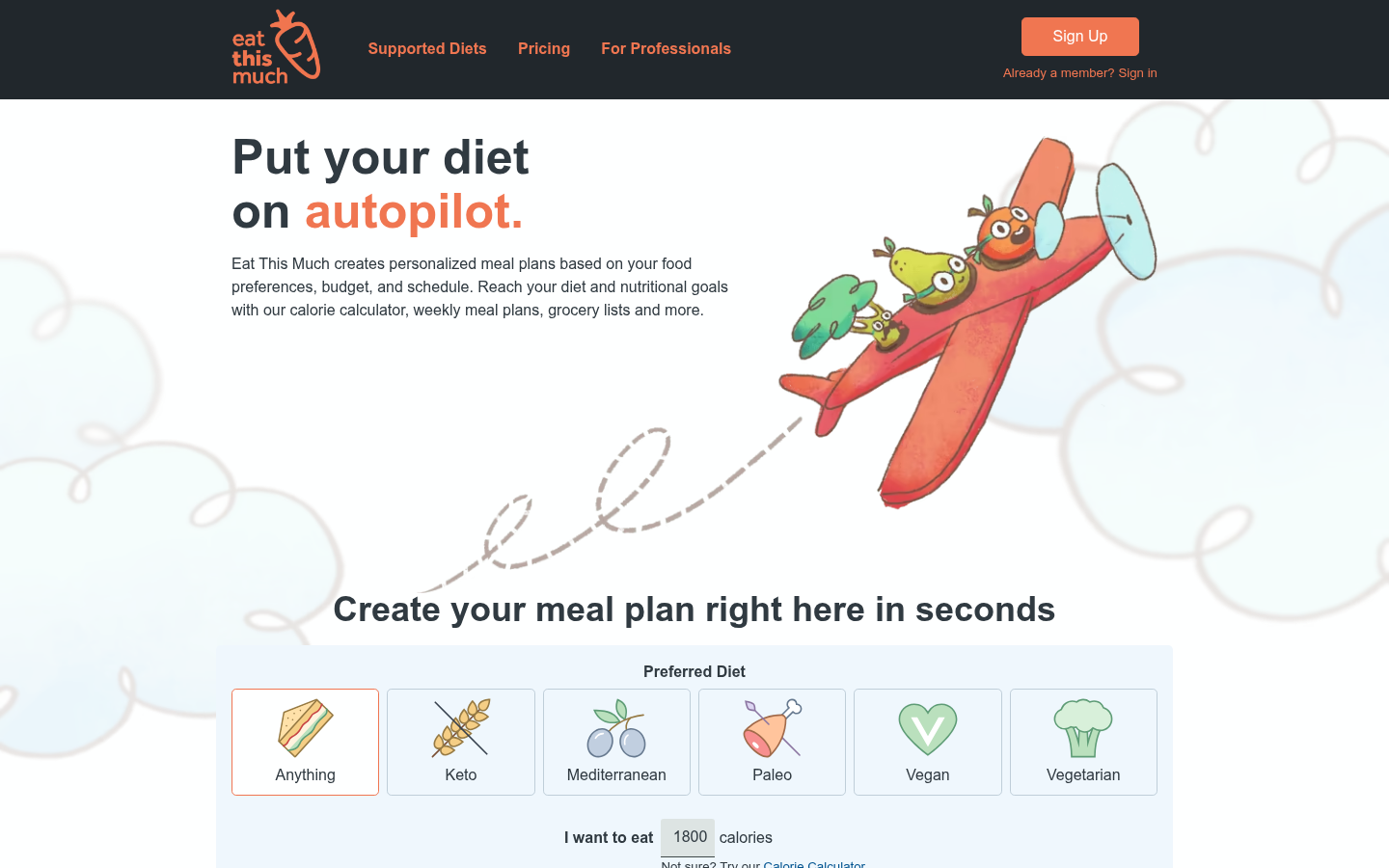
Eat This Much
- Generates a full week of meals in under 30 seconds around exact calorie and macro targets
- Supports over 20 diet types, from keto to Mediterranean
- Direct grocery delivery hookups with Amazon Fresh, Instacart, and Walmart
- Recipe database is small enough that meals repeat within a few weeks of daily use
- No way to import or include a recipe you found on video; it only builds from its own library
Wins on macros, loses completely if your recipes come from social video.
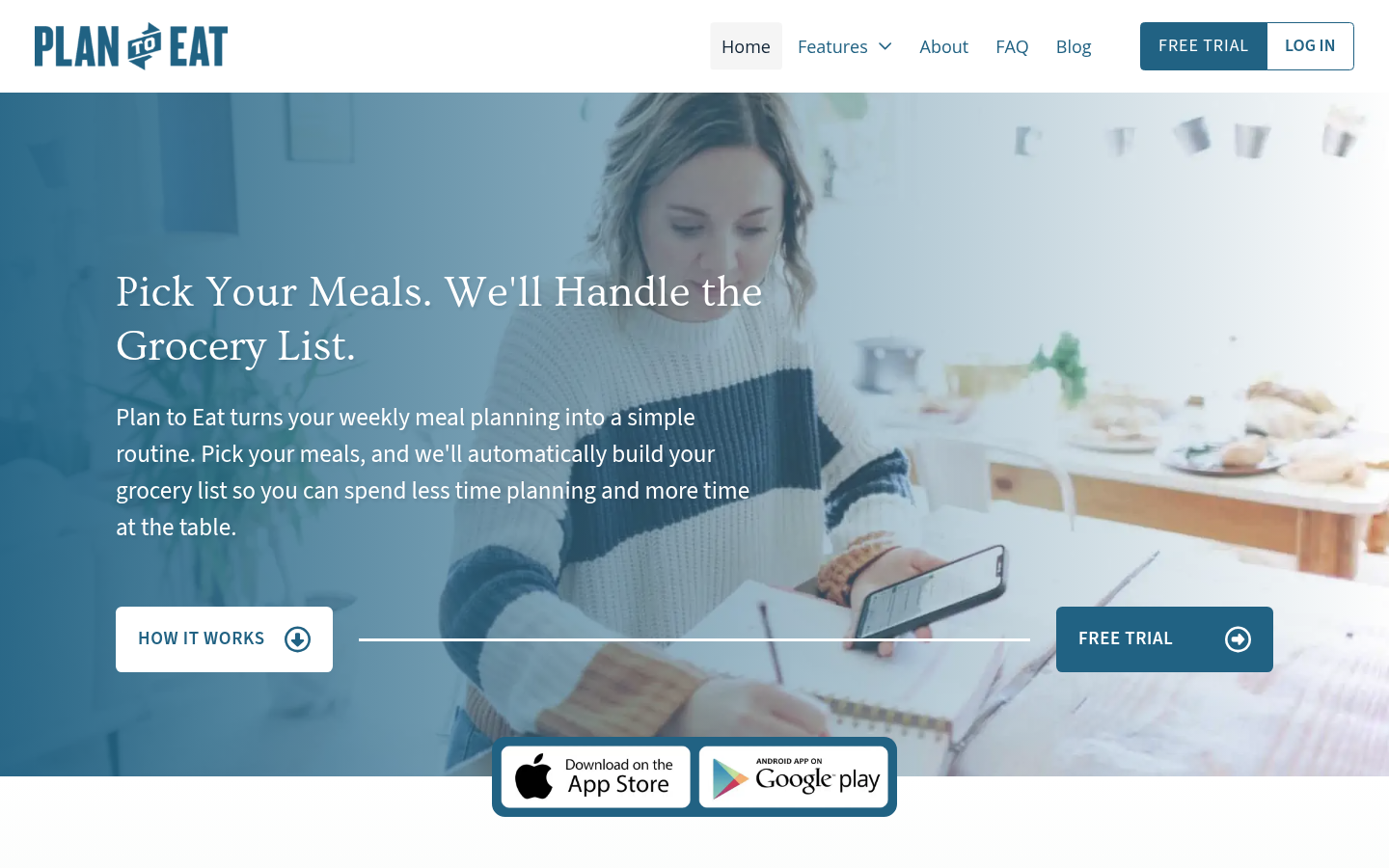
Plan to Eat
- Plans and grocery lists sync in real time across everyone in the household
- One-tap handoff to Instacart or Walmart straight from the shopping list
- Bookmarklet imports recipes cleanly from almost any cooking website
- Subscription-only at $49 a year with just a 14-day trial, no permanent free tier
- No native way to pull a recipe out of a TikTok or Reel
Best for households splitting the cooking load, not for grabbing recipes off social video.
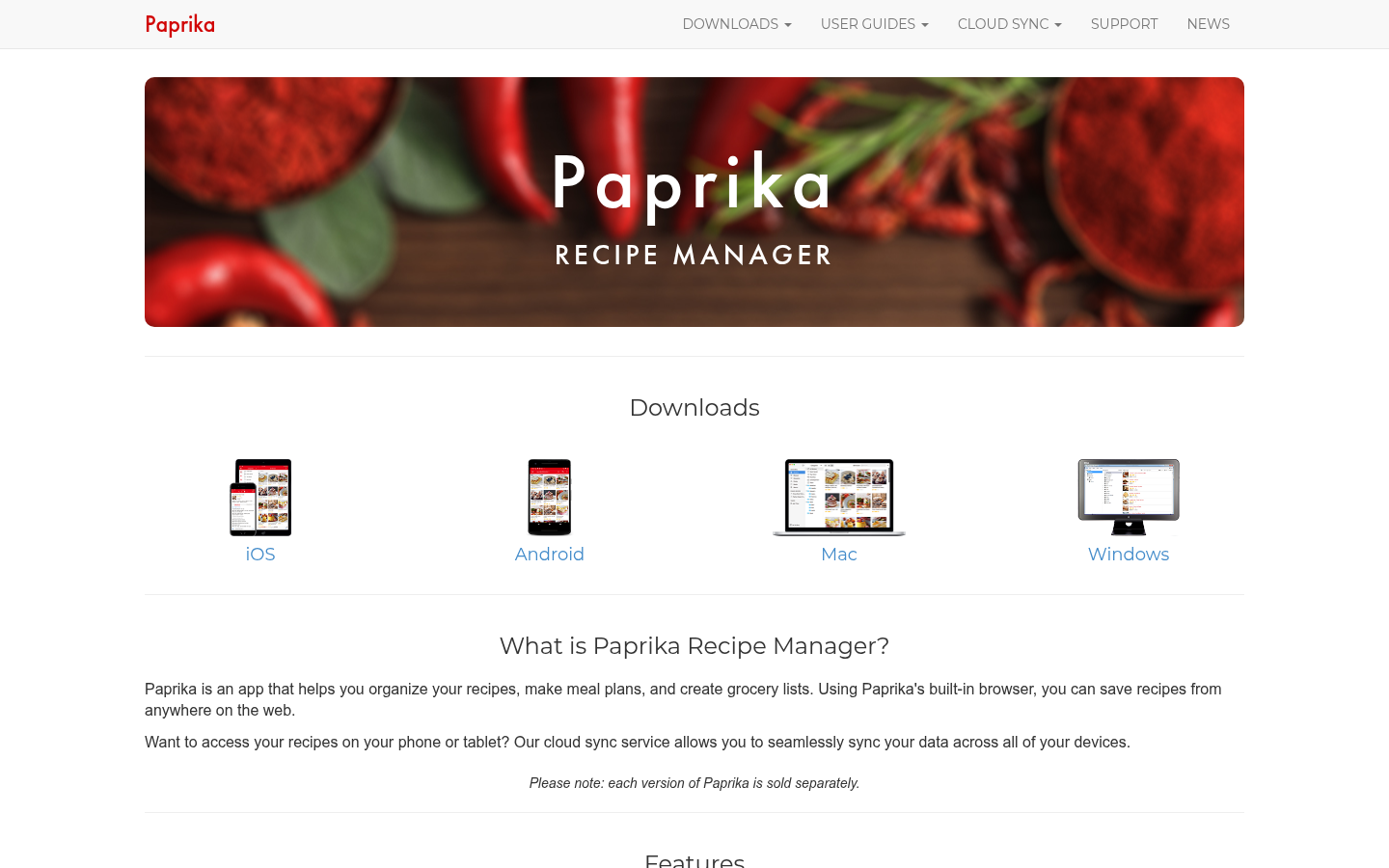
Paprika Recipe Manager
- One-time purchase with no recurring fee, ever, unlike every other app here
- Clipper saves recipes cleanly from almost any cooking website
- Grocery list builds automatically from whatever is on the meal-plan calendar
- No video or social-media import; TikTok and Reel recipes still have to be typed in manually
- No real-time multi-user sharing; each device essentially syncs its own copy
The most durable recipe box on this list, but video recipes are still copy-paste work.
Verdict
Samsung Food is the pick for reel2recipe readers specifically: it is the only app here that turns a saved TikTok or Reel into a usable recipe on its own, and it still plans the week and builds the grocery list once that recipe exists. If your recipes already live in a cookbook or a bookmarks folder, Mealime covers the basics for free, Plan to Eat is the strongest choice for households sharing the cooking load, Eat This Much is unmatched for macro-driven planning, and Paprika is the one to buy once and own forever. No single app wins every category; pick based on where your recipes actually come from.
How we tested
We used all five apps for one real week in August 2026, starting from the same three recipes: a birria taco video, a 15-minute orzo dish, and a sheet-pan salmon recipe with no written ingredient list, all saved from TikTok or Instagram beforehand. For each app, we attempted to get all three recipes in, built a 7-day plan around them plus the app's own suggestions, and generated a grocery list. We timed each import attempt and logged every point where a human had to intervene to fix a missing ingredient, a wrong quantity, or a step the app skipped. Pricing was checked directly on each app's site and account settings in August 2026; subscription apps can change pricing without notice, so treat the numbers here as a snapshot, not a guarantee.
The best AI meal planner in 2026 depends on where your recipes actually come from. If you cook from cookbooks, Eat This Much or Mealime will serve you fine. If half your recipe box is TikTok videos and Instagram Reels, most "AI" meal planners quietly fall apart at step one: they can't read a video. We tested five real apps, Samsung Food, Mealime, Eat This Much, Paprika, and Plan to Eat, and Samsung Food is the only one that turns a saved video into a working recipe on its own.
Why "AI meal planner" means different things depending on the app
"AI" gets attached to almost every food app now, but it does very different jobs across this list. In Eat This Much, AI means an algorithm that assembles a week of meals around your calorie and macro targets in under 30 seconds. In Samsung Food, AI means something closer to what reel2recipe does every day: it watches a video, listens to the narration, reads the on-screen text, and outputs an ingredient list and steps. Mealime and Paprika barely use AI at all in the generation sense; Mealime curates a fixed recipe library, and Paprika's clipper is closer to a smart copy-paste than a model reading anything.
That distinction matters more than star ratings. If your actual bottleneck is "I saved twelve TikToks and none of them are in a usable format," a macro-optimizing planner does not solve your problem, no matter how good its grocery list is.
The test we ran
We used each app for one real week: saving three recipes we had actually seen on TikTok or Instagram (a birria taco video, a 15-minute orzo dish, and a sheet-pan salmon recipe with no written ingredients in the caption), building a 7-day plan around them plus the app's own suggestions, and generating a grocery list. We timed how long each step took and noted every place a human had to intervene to fix something the app got wrong. Two of the three test recipes had ingredients spoken aloud rather than written, which is the exact failure point reel2recipe's own testing has flagged before: AI reads captions reliably, but oral-only measurements ("a splash of," "a good pinch of") get mangled or dropped more often than not.
Samsung Food: the only one that reads a video properly
Samsung Food (formerly Whisk) is the app that closes the gap between "I saw this on TikTok" and "this is now on my calendar." Share a video straight from TikTok or Instagram to the app, and its AI transcribes the narration and reads the on-screen ingredients to build a structured recipe, even for the sheet-pan salmon video that never wrote its ingredient list down anywhere. It got the salmon recipe about 90% right on the first pass; we had to manually add the "drizzle of olive oil" the creator gestured at but never quantified, which lines up with what oral-measurement testing generally finds.
The catch: Basic accounts get 3 free AI scans, which is enough to test the feature seriously but not enough for a household running through a dozen saved videos a month. Food+ (about $4.99/mo) removes that cap and adds fuller meal-plan automation and grocery store integration. The Chrome extension side of the app has also been unreliable since the 2023 rebrand from Whisk, so lean on the mobile share-sheet import rather than the browser.
Mealime: the free option, if your recipes already come from a cookbook
Mealime is the simplest app on this list and the only one with a genuinely free, no-catch weekly planning tier. It suggests a week of dinners that deliberately overlap ingredients, so you are not buying a single bunch of cilantro for one recipe and throwing the rest out. Cooking mode keeps your phone screen awake while your hands are covered in raw chicken, which is a small detail that matters more than it sounds.
What it will not do is touch a video. There is no AI generation here in any real sense: the recipes are curated by Mealime's team, not extracted or generated, and after two or three months the rotation starts repeating. If your recipe box is TikTok-shaped, you will be retyping every saved video by hand before Mealime ever sees it.
Eat This Much: best for macros, worst fit for video recipes
Eat This Much is built for a different question entirely: not "what should I cook" but "what hits my calorie and protein target today." It generates a full week of meals in under 30 seconds around your exact numbers, supports over 20 diet types, and connects to Instacart, Amazon Fresh, and Walmart for one-tap grocery ordering. For someone tracking macros closely, that speed is genuinely useful and nothing else on this list matches it.
It has no import feature of any kind, video or otherwise, and the recipe database is small enough that repeats show up within a few weeks of daily use. If a saved TikTok recipe does not fit your macro targets, Eat This Much has no mechanism for including it at all; it only builds from its own library.
Paprika: the one-time purchase, if you are willing to type
Paprika 3 breaks from the subscription model entirely: a one-time purchase (roughly $5 to $30 depending on platform) buys a permanent recipe manager and meal-plan calendar with no recurring fee. Its clipper pulls a clean, structured recipe from almost any cooking website, and the grocery list auto-builds from whatever's on the calendar.
The gap is video. Paprika has no TikTok, Reels, or YouTube import; a video recipe still has to be typed in by hand, ingredient by ingredient, the same manual work reel2recipe exists to eliminate. It also does not sync in real time across multiple household members, so a shared grocery list means someone screenshotting it to the group chat.
Plan to Eat: best for households that share the cooking load
Plan to Eat is calendar-first: drag a recipe onto a day, and it builds a consolidated shopping list automatically, shared in real time with everyone in the household. That sharing is genuinely the best implementation on this list; multiple people can add, edit, and check off the same list without stepping on each other. A browser bookmarklet imports recipes from most cooking websites, and the grocery list hands off to Instacart or Walmart with one tap.
At $49/year (or $5.95/month) after a 14-day trial, it is subscription-only with no permanent free tier, and like Paprika, it has no path from a saved video to a usable recipe. For a two-cook household eating mostly from written recipes, that tradeoff is worth it. For someone whose recipe source is mostly social video, it solves the planning half of the problem and leaves the hardest part, getting the recipe out of the video, entirely undone.
Which one to actually pick
If you're the kind of cook who screenshots a recipe off a Reel and then has to pause the video eight times to write it down, Samsung Food is the only app on this list that removes that step, with a free tier honest enough to test before paying for it. If your recipes already live in a cookbook or a bookmarks folder, Mealime, Paprika, and Plan to Eat all do a better job than Samsung Food at the actual planning and grocery-list side, and Eat This Much still wins outright if calories and macros are the priority. None of them do everything: the app that reads your video best is not automatically the app with the best grocery list, and vice versa.