Best Recipe Apps in 2026: 6 Compared, Ranked and Priced
Summary
The best recipe apps in 2026 split into two camps: apps that read videos and apps that clip websites. ReciMe leads for TikTok, Instagram and YouTube recipes on iPhone or Android. Paprika remains the pick for web recipes and a one-time price. Samsung Food, Pestle, Crouton and Copy Me That each fit a narrower need, from free planning to Apple-only polish.
Six recipe apps compared on saving TikTok and Reels recipes, price, platforms and store ratings, with a clear pick for video cooks and one for web recipes.
At-a-glance
| ReciMe | Paprika Recipe Manager | Samsung Food | Pestle | Crouton | Copy Me That | |
|---|---|---|---|---|---|---|
| Price (US, as listed Oct 2026) | Free with 5 imports per week; ReciMe Plus about $39.99 per year | One-time purchase per platform, $4.99 on iPhone and iPad | Free; Food+ $6.99 per month or $59.99 per year | Free for 15 recipes; Pro $24.99 per year, $2.99 per month or lifetime | 5 recipes free; Crouton Plus $24.99 one-time | Free up to 40 recipes; about $1 per month after that |
| Platforms | iPhone, Android, web app, Chrome extension | iPhone, iPad, Android, Mac, Windows (each sold separately) | iPhone, Android, web app, browser extension | iPhone and iPad, plus a Chrome extension | iPhone, iPad, Mac, Apple Vision, Apple Watch | Web browser, iPhone, Android |
| Saving from TikTok, Reels and YouTube | Instagram, TikTok, Facebook, Pinterest and YouTube, plus screenshots and photos | No video extraction; saves web pages through its built-in browser | Websites on its homepage; third-party roundups report social video import | Websites and Instagram Reels | Websites, photos, text and cookbook scans; no social video listed on its site | Websites only; no video extraction described |
| Meal plan and grocery list | Free meal planner and grocery list sorted by supermarket aisle | Weekly or monthly plans, aisle-sorted lists, pantry tracking | Drag-and-drop planner, one-click shopping list, nutrition info | Shopping lists on Free; meal plans need Pro | Weekly planner, auto-generated plans, grocery list | Meal planner and shopping list included |
| Store rating (iOS, US) | 4.8 from 309K ratings | 4.9 from 54K ratings | 4.8 from 6.4K ratings | 4.7 from 1.8K ratings | 4.8 from 2.9K ratings | 4.6 on iOS; 3.9 on Google Play from 1.5K reviews |
ReciMe
- Saves from Instagram, TikTok, Facebook, Pinterest and YouTube
- Free plan keeps the meal planner and grocery list
- Works on iPhone, Android and the web
- Free plan stops at 5 imports per week
- Messy or handwritten sources can still need a manual cleanup
- Premium subscription is pricier than a one-time purchase
The best fit when your recipes start as videos and you cook on either phone platform.
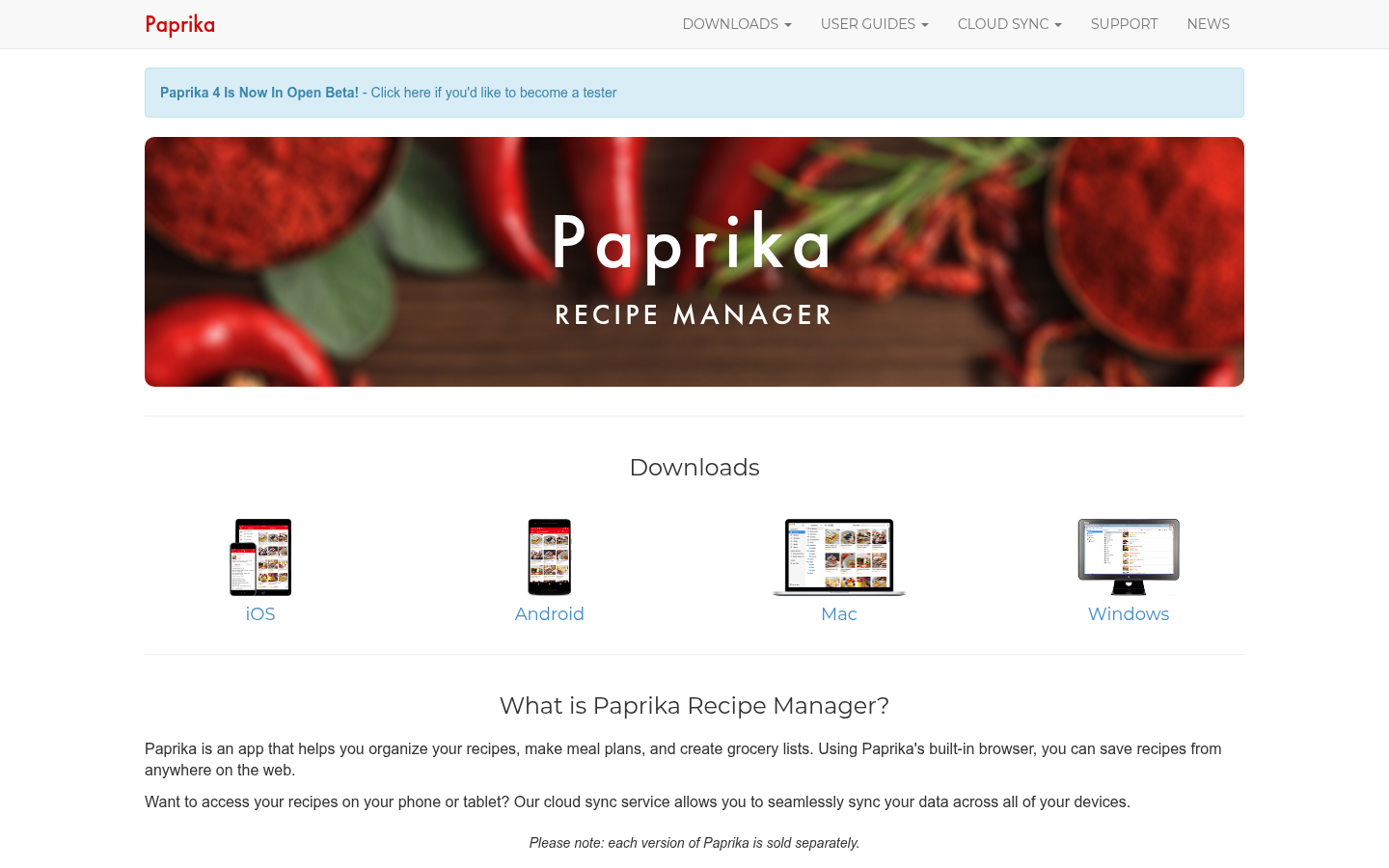
Paprika Recipe Manager
- Pay once per platform, no subscription
- Reliable built-in browser for saving web recipes
- Cloud sync, aisle-sorted grocery lists and a pantry
- Cannot pull a recipe out of a video-only post
- Every platform version is bought separately
- The interface looks dated next to newer apps
The safe pick for website recipes, but it will not read a Reel for you.
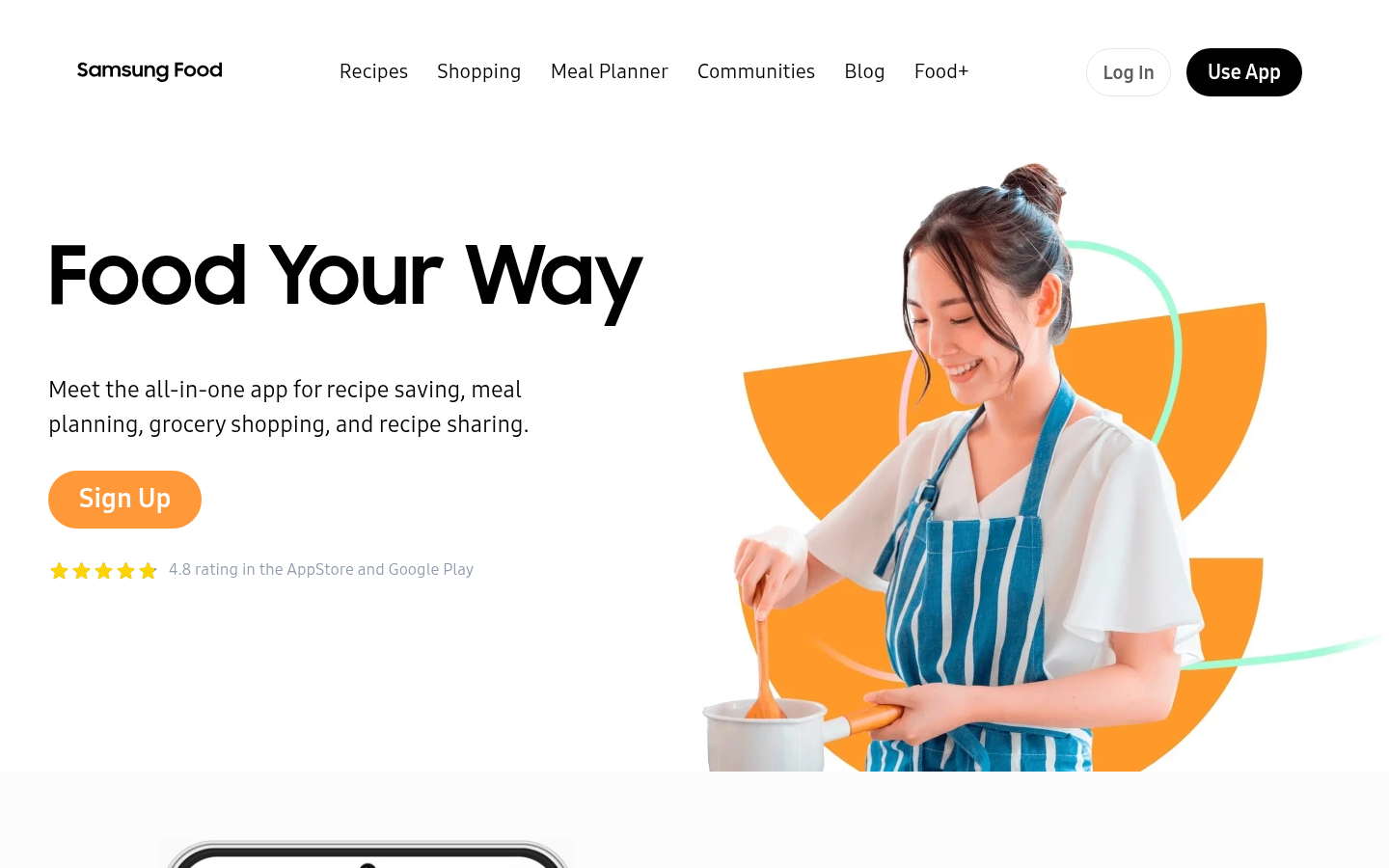
Samsung Food
- Generous free tier with planner and shopping list
- Nutrition info and calorie counts per recipe
- Web app and browser extension alongside the phone apps
- Food+ costs $59.99 per year for the paid features
- Its own homepage stresses websites, so video import needs a trial
- A large community feed can bury your own recipes
A strong free all-rounder; test one video before you pay for Food+.
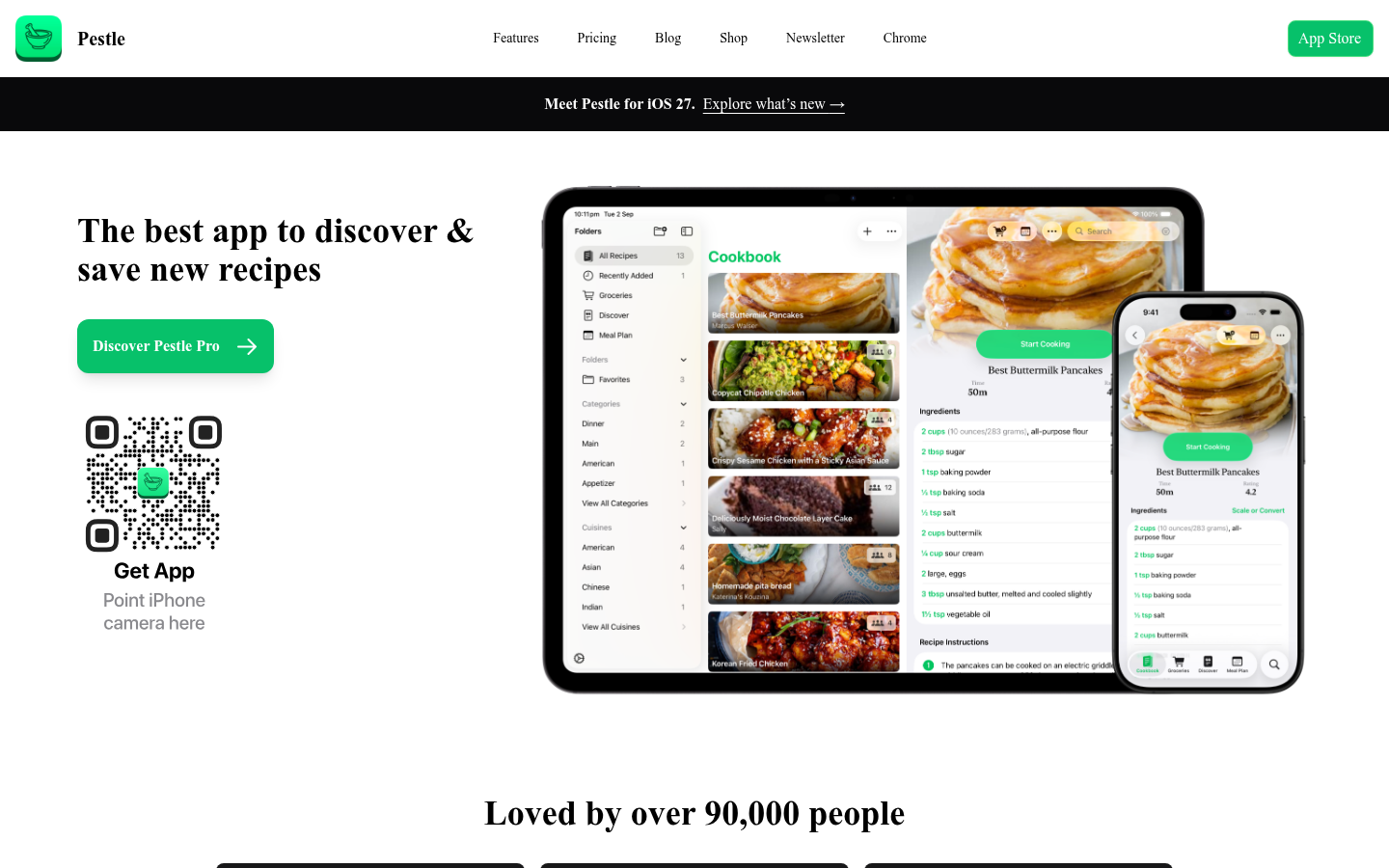
Pestle
- Saves from Instagram Reels and any website
- Households share recipes and meal plans live
- Scaling and metric to imperial conversion built in
- iPhone and iPad only, with no Android app
- Meal plans and sync sit behind the Pro plan
- Free tier keeps just 15 recipes
Neat and fast for Apple users, but the free plan runs out quickly.
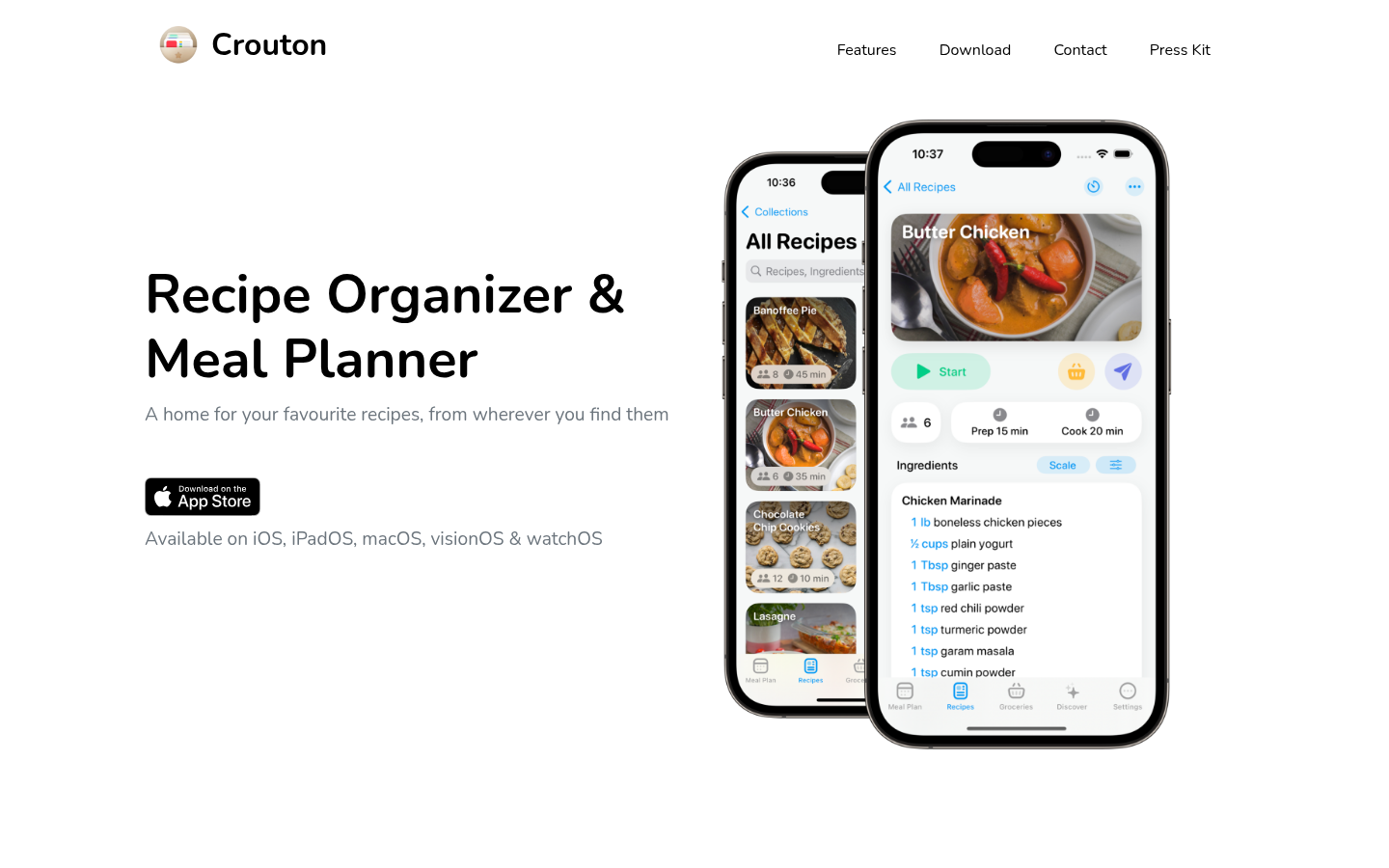
Crouton
- Crouton Plus is a $24.99 one-time purchase
- AI and OCR import from photos and cookbook pages
- Multiple timers and unit conversion inside the steps
- Apple devices only, with nothing for Android
- No social video import listed on its own site
- Only 5 recipes are free before you pay
Lovely for Apple cooks with paper cookbooks, less so for video-first cooks.
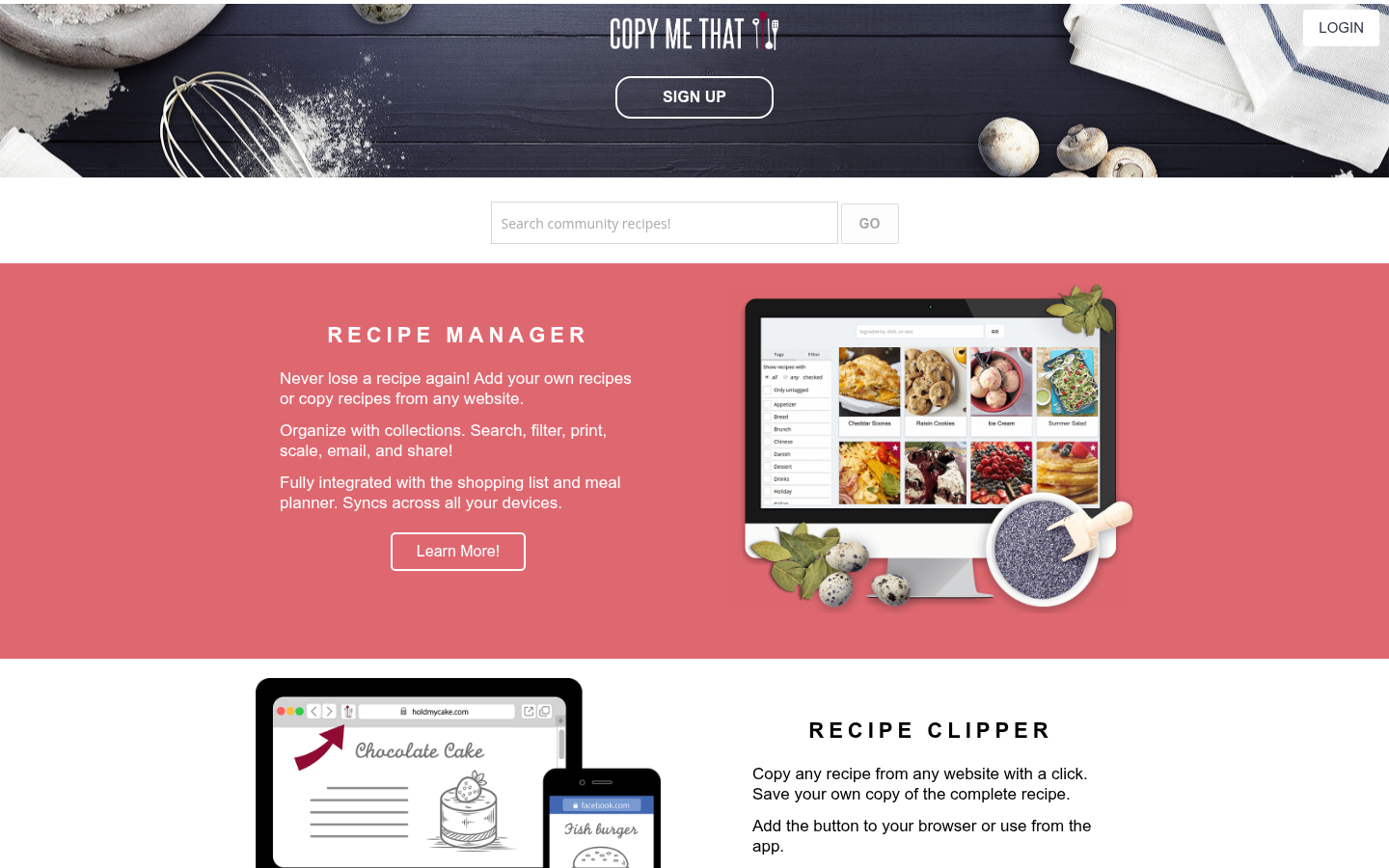
Copy Me That
- Free up to 40 recipes with every feature
- Clipper keeps a link back to the original page
- Costs about $1 per month once you pass 40 recipes
- Android rating is only 3.9 on Google Play
- No video or social extraction is described
- Needs an internet connection to work
Great as a free starter for blog recipes, limited if videos are your source.
Verdict
ReciMe is our pick among the best recipe apps for people who cook from videos, because it reads TikTok, Instagram and YouTube posts and keeps its meal planner free. Paprika stays the better call for website recipes and a one-time price. None of these apps replaces watching the clip once, so check the ingredient list the first time.
How we tested
This comparison is desk research, not a month of cooking with each app. On 10 October 2026 we reviewed each product's official site, its US App Store listing for price and rating, and independent roundups for import behaviour. Prices are US figures and change often. We scored each app out of 5 on video and social import, price fairness, platform reach, planning tools and how users rate it. Nobody paid for a placement and none of these links carries an affiliate tag. Where an app's own site does not confirm a feature, we say so instead of assuming it.
Among the best recipe apps, ReciMe is the pick for anyone who finds dinner in a TikTok, a Reel or a YouTube video. It saves recipes from five social platforms, keeps its planner and grocery list free, and runs on iPhone, Android and the web. Paprika is the better buy if your recipes live on blogs and you hate subscriptions. Samsung Food, Pestle, Crouton and Copy Me That cover the rest.
What we compared and why it matters for video cooks
Most roundups of the best recipe apps treat every app as a digital recipe box. That misses the question a Reel2Recipe reader actually has: what happens when the recipe only exists in a 40-second clip with the amounts said out loud? We ranked six apps on that first, then on price, platforms, meal planning and store ratings. If you want a pure organizer test, our best recipe organizer apps comparison goes deeper on filing and sync.
The six apps split cleanly. Three of them (ReciMe, Pestle and, according to third parties, Samsung Food) accept links from social posts. Paprika, Crouton and Copy Me That are built around websites, photos and cookbook pages. That is not a flaw, it is a different job.
ReciMe: the one built for videos
ReciMe says it saves recipes from Instagram, TikTok, Facebook, Pinterest and YouTube, and from screenshots or photos of handwritten cards. The free plan allows 5 imports per week, and everything else stays free, including the grocery list sorted by supermarket aisle and the meal planner. ReciMe Plus runs about $39.99 per year on the US App Store.
Its iOS rating is 4.8 from 309K ratings, by far the biggest sample in this list. The honest limit: an AI import is only as good as the source. A creator who says "a splash of oil" still gives you a splash of oil, so read the ingredient list before you shop.
Paprika: still the website specialist
Paprika is a one-time purchase per platform, $4.99 on iPhone and iPad. You browse inside its built-in browser, tap a button, and the recipe lands in your library with a photo. Cloud sync, aisle-sorted grocery lists, a pantry and monthly meal plans are all there. Its 4.9 rating from 54K iOS ratings is the highest here.
The catch for video cooks is clear. A TikTok with the recipe only in the voiceover gives Paprika nothing to parse. Roundups that test social import list it as the best website clipper that copes with some social content, not a video reader. Paprika 4 is in open beta as of late September 2026, so a refresh may be coming.
Samsung Food: free planning, with a question mark on video
Samsung Food, the former Whisk, is free for saving recipes, planning meals and building shopping lists, with nutrition info on top. Food+ costs $6.99 per month or $59.99 per year on the US App Store. Its homepage talks about saving recipes from any website, and independent roundups say it also takes shared social videos. We could not confirm that from Samsung's own pages, so run one video through the free tier before you subscribe.
Pestle: the neat Apple option
Pestle is iPhone and iPad only. It saves from websites and Instagram Reels, scales servings, converts metric and imperial, and lets a household share recipes and meal plans live. Free keeps 15 recipes. Pro is $24.99 per year, $2.99 per month, or a lifetime purchase, and it unlocks unlimited recipes, sync, meal plans and PDF or photo import. Rating: 4.7 from 1.8K iOS ratings.
Crouton: AI scanning for paper cookbooks
Crouton runs on iPhone, iPad, Mac, Apple Vision and Apple Watch. It imports from website links, photos, text and cookbook scans using AI and OCR, and runs several timers inside one recipe. Five recipes are free, and Crouton Plus is a $24.99 one-time purchase. Nothing on its site mentions social video import, so it suits cooks whose recipes sit in books and notes. Rating: 4.8 from 2.9K iOS ratings.
Copy Me That: the free starter
Copy Me That clips recipes from websites, keeps a link to the original page and lets you edit your own version. Everything is free up to 40 recipes, then about $1 per month. It works in a browser and on iPhone and Android. The weak spots are a 3.9 Google Play rating and no described video extraction.
Which app should you pick
Recipes come from TikTok, Reels or YouTube: ReciMe, then Pestle if you only use Apple devices.
Recipes come from food blogs and you hate subscriptions: Paprika.
You want planning and nutrition for free: Samsung Food, after a video test.
You cook from printed cookbooks on Apple devices: Crouton.
You are just starting: Copy Me That, free to 40 recipes.
If planning matters more than saving, our best AI meal planner comparison ranks five apps on that job alone.
What to check before you pay
Import one real recipe first. Pick a video where the amounts are spoken, not written, and compare the result with the clip. Look for three things: whether quantities survived, whether steps are in the right order, and whether units match what you own. A pinch confused with a teaspoon is the classic miss.
Then check the price on your own platform. Paprika sells each platform separately, Crouton and Pestle are Apple-only, and subscription prices differ between the web and the App Store.
Our verdict
For most readers of this site, ReciMe wins because it matches how recipes reach you now: through a phone, in a clip. Paprika is the better value if your sources are websites. The more an app promises to turn video into a recipe, the more you should verify the first few results with the original in front of you.