What can I make with these ingredients?
Skip the guesswork. Find a cooking video that uses what you already have, paste the link, and get the real recipe card in under a minute.
Three problems with ingredient-list recipes
Generic output
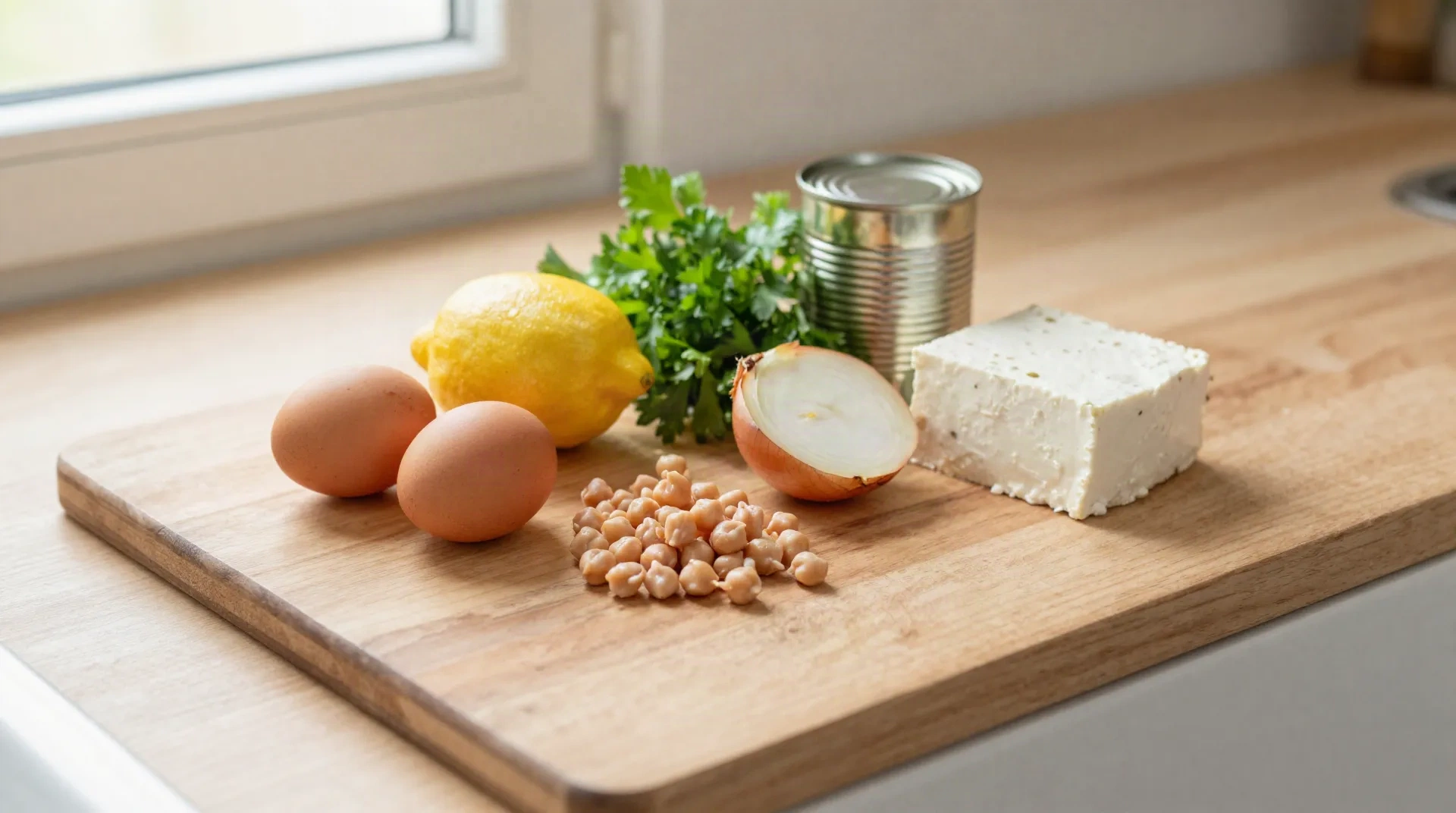
Type in eggs, lemon and feta and a chatbot writes an average of every recipe it has seen. Nobody ever cooked that exact dish.
A real cook behind it
A video shows someone who made the dish and ate it. Timing, heat and the odd trick all come from that person, not a statistical blend.
A card you can follow
The app turns the video into ingredients on top and steps below, so you can read it at 7 PM without scrubbing back through the clip.
Gaps get flagged
A pinch or a glug of oil is marked as approximate instead of being dressed up as a made-up gram figure.
Any language
The video can be in Greek, Italian or Spanish. The recipe card can be read in 13 languages, so a Reel from Athens still works in your kitchen.
Under a minute
A typical video under 5 minutes converts in less than a minute, which is faster than reading one blog intro about someone's grandmother.
What the app handles today
From a half-empty fridge to dinner
Four minutes of searching, one paste, one card. Here is the order we use at home.
-
1
Pick your main ingredient
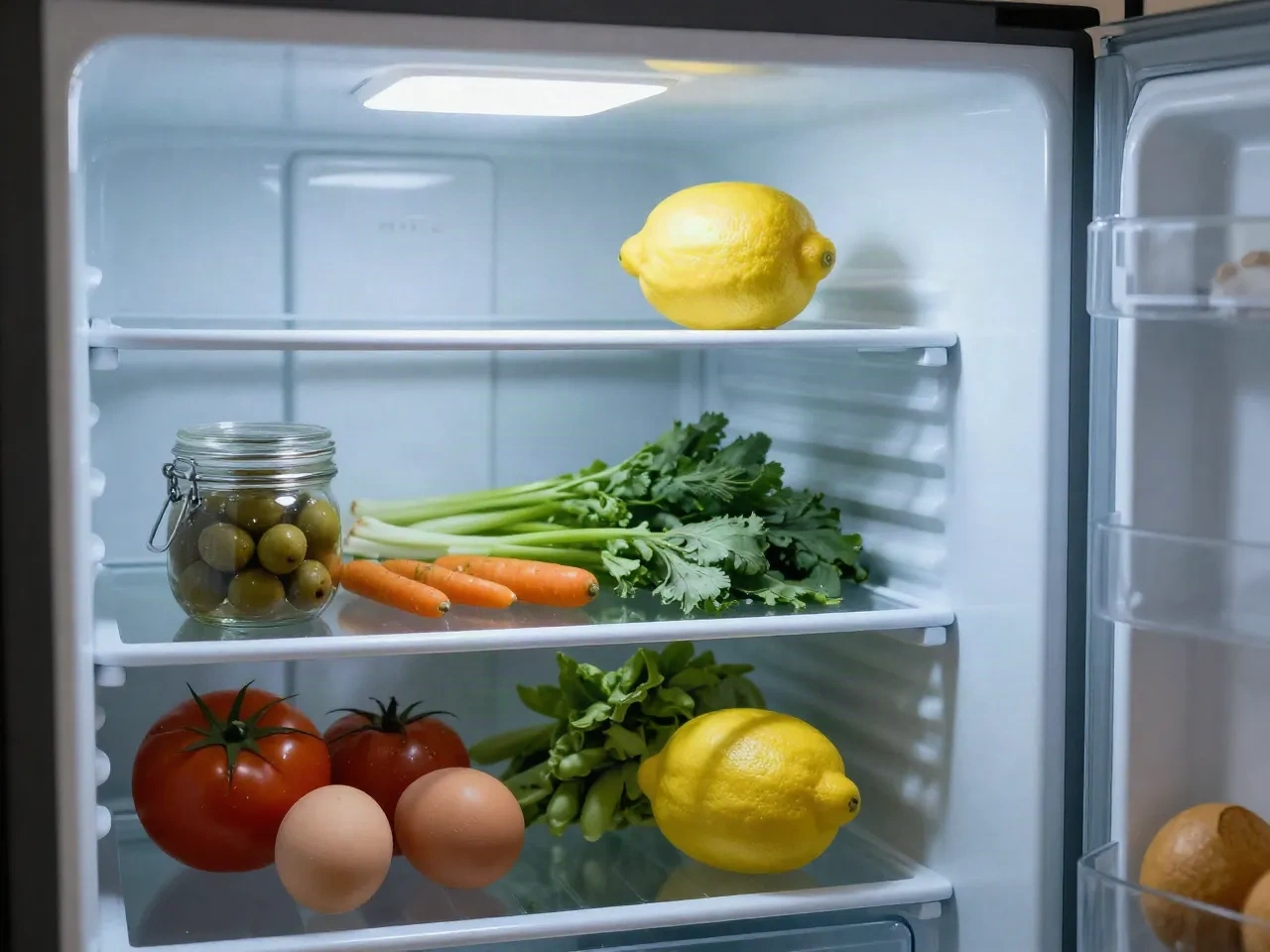
Look at what has to be eaten first: the chickpeas, the eggs, the tomatoes going soft. One anchor ingredient is enough to search with.
-
2
Search a video for it
On TikTok, Instagram or YouTube, search the ingredient plus a word like stew, salad or skillet. Open two or three and pick the one that needs the fewest extras.
-
3
Paste the link
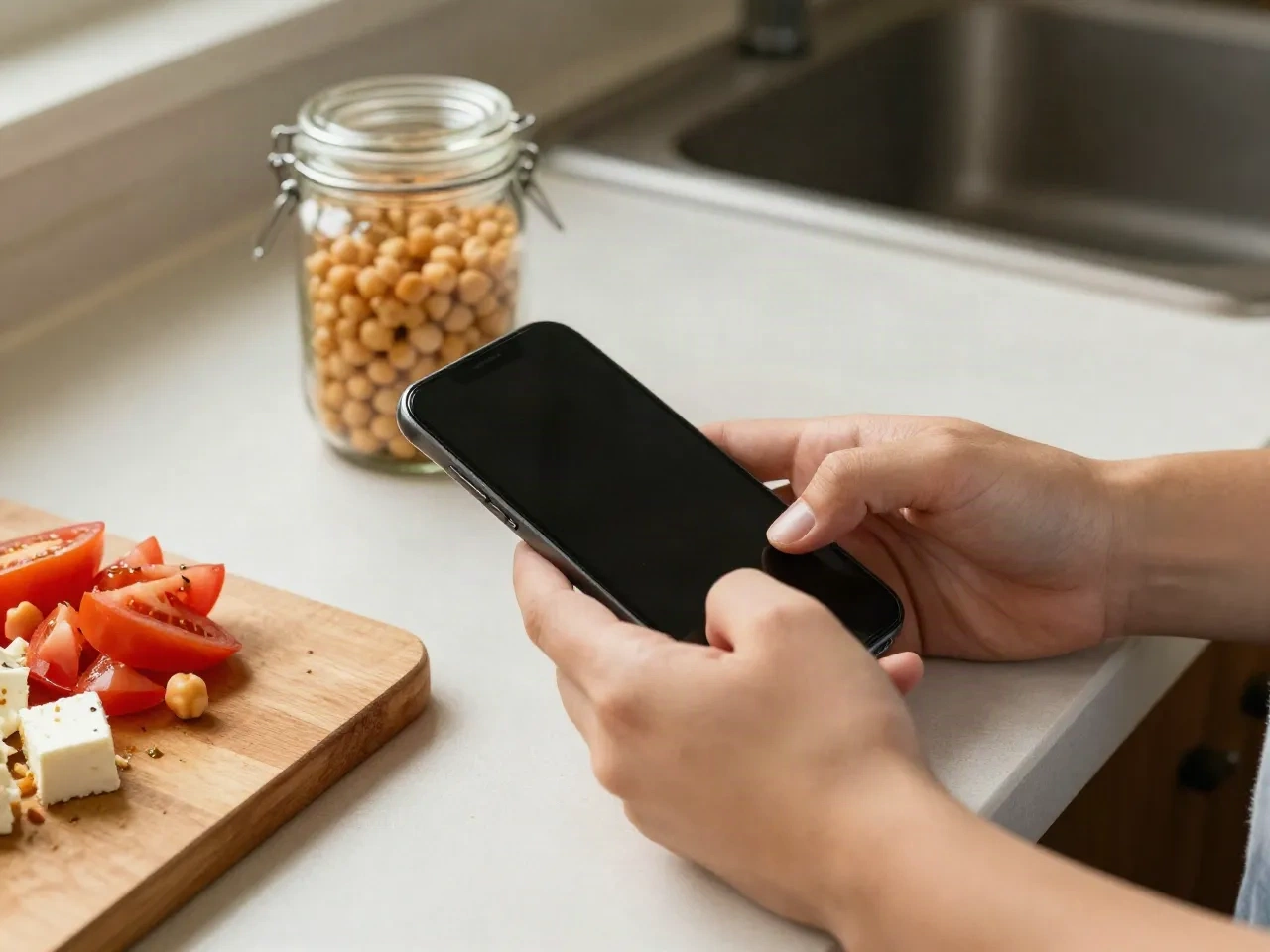
Drop the URL into Reel2Recipe. You see the first result before creating anything.
-
4
Cook from the card
Ingredients up top, steps below. Anything the creator never quantified is marked approximate, so you know where to taste and adjust.
Chickpeas, tomatoes and feta on a Tuesday
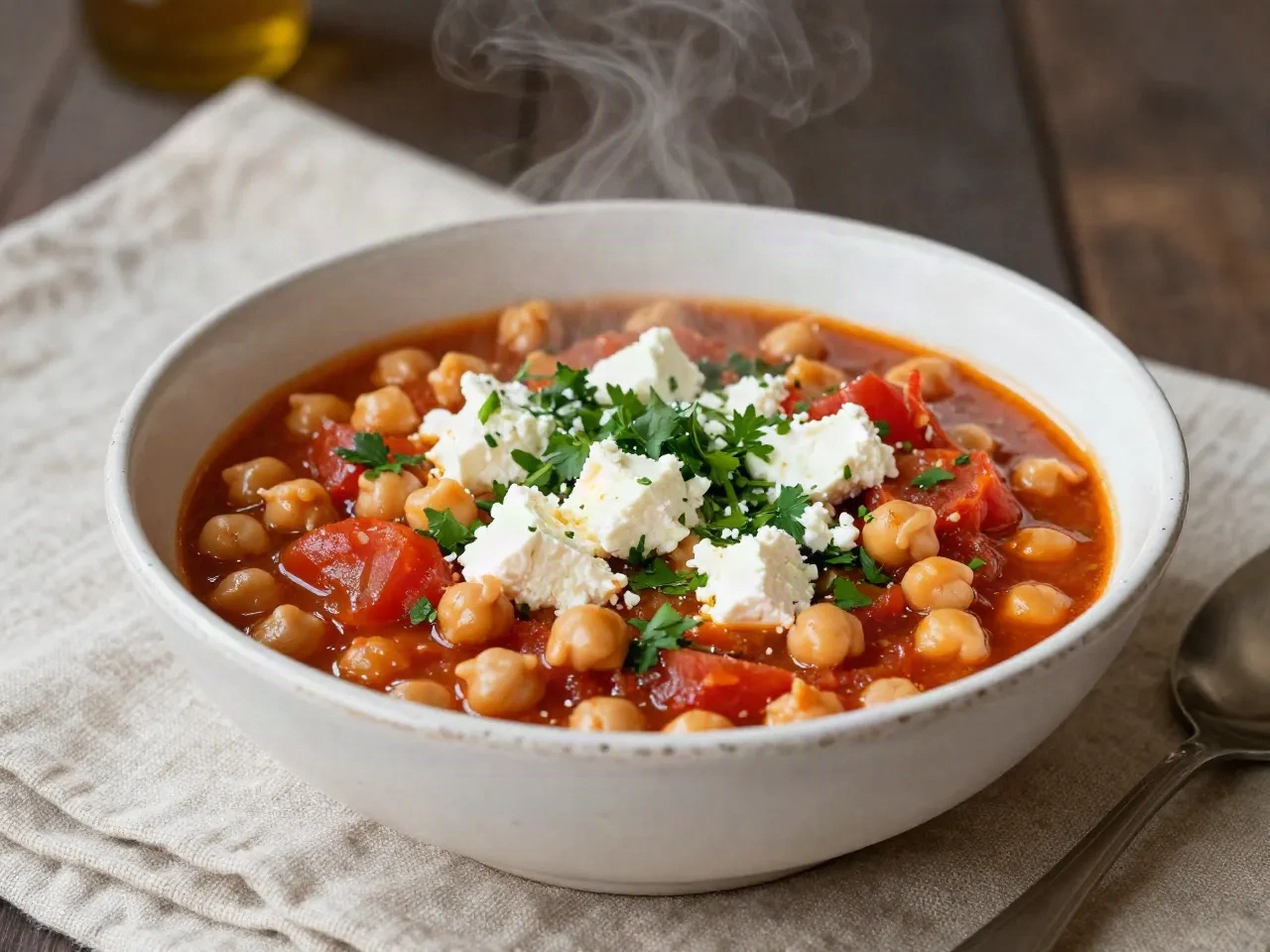
Say you have a tin of chickpeas, three soft tomatoes and the end of a block of feta. A prompt box gives you a salad with a lemon dressing. A 90-second Reel for a Greek-style chickpea and tomato stew gives you something to cook tonight: onion softened in olive oil, chickpeas added with the tomatoes, feta crumbled in at the end. The app keeps the details the creator says out loud, like adding the feta off the heat, and drops the b-roll.
- Reads the specific video you paste, not an average recipe
- Keeps spoken details such as when the cheese goes in
- Works on public videos with captions or clear audio
No fridge photo, no invented dish
Some apps ask you to photograph your fridge or type a list and then write a recipe from scratch. Reel2Recipe does neither. It has one job: read the cooking video you give it and hand back what the creator actually did. If you want a recipe invented from nothing, a general chatbot will happily do it. If you want to cook something a real person already made with the same basic ingredients, this is the shorter path.
- One video converts into one recipe
- No weekly meal plan, no shopping list builder
- No guessing a dish from a photo
Three ways to answer the same question
Same fridge, three different starting points.
| Question | Chatbot prompt | Fridge-photo app | Reel2Recipe |
|---|---|---|---|
| Where the recipe comes from | Written from training data | Guessed from an image | A specific video you chose |
| What you provide | A typed ingredient list | A photo of your fridge | A video link |
| Spoken tips and timing | Not available | Not available | Captured from the audio |
| Unclear quantities | Filled in with a guess | Filled in with a guess | Marked as approximate |
| Needs your ingredient list | Yes | Yes | No, the video sets the list |
Common questions
Can Reel2Recipe tell me what to cook from my ingredients?
What can I make with just eggs, a lemon and some feta?
How do I find a video that matches my ingredients?
Is this better than asking ChatGPT what to cook?
How much does it cost?
Does it work if the video is in another language?
What does the app get wrong?
Do I need an account to try it?
Turn tonight's fridge into a recipe
Paste a cooking video link and see the recipe card before you create an account.