An automatic video editor built for recipes
It watches TikTok, Reels, and YouTube cooking videos, cuts the talking and the b-roll, and hands you ingredients and steps in under a minute.
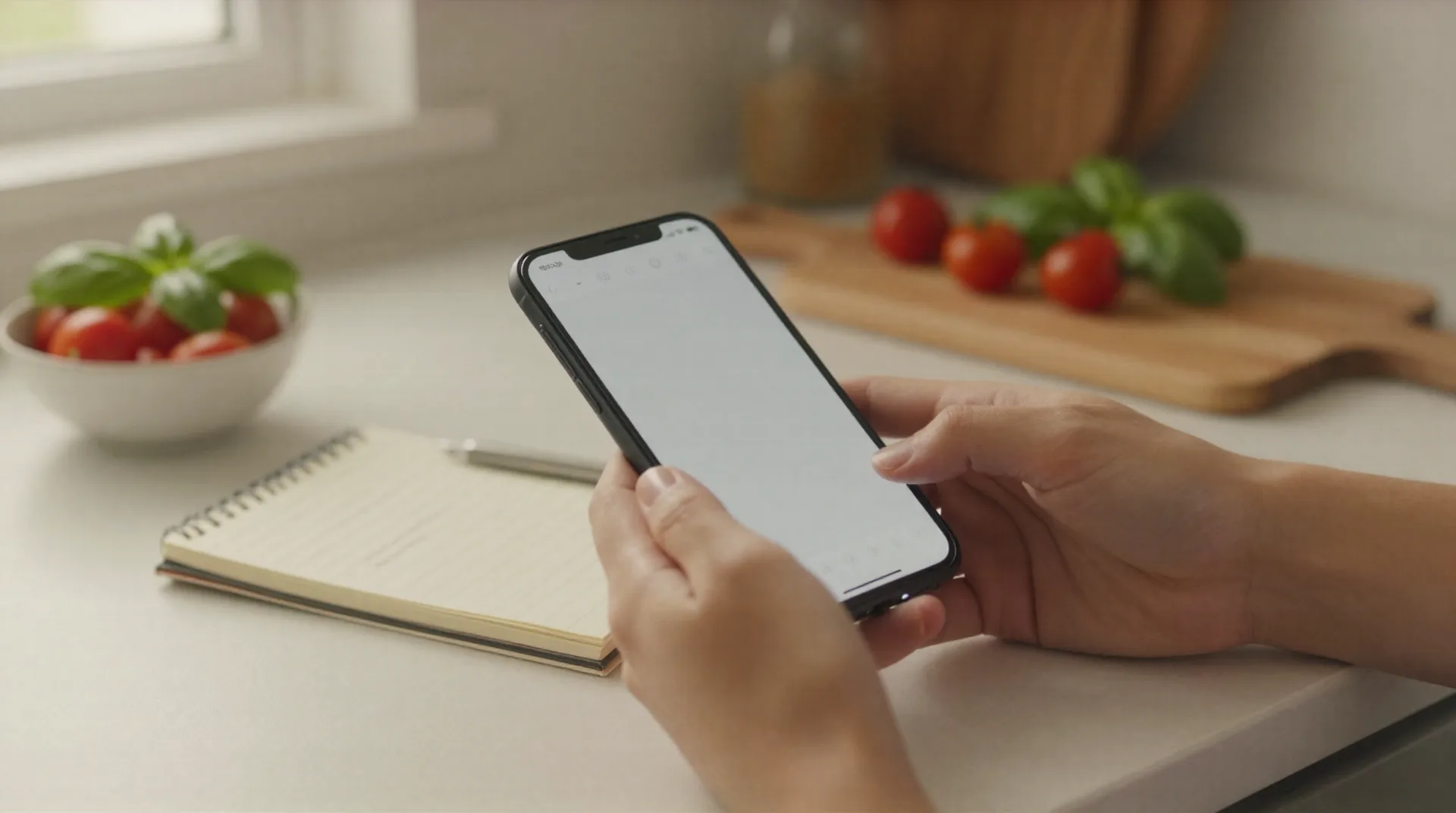
What an automatic video editor for recipes needs to get right
Reads captions and audio
Ingredients and steps come from the video's captions and spoken audio, not from guessing what's in frame.
Structures the recipe
Ingredients, quantities, and steps land in a clean recipe card, the same format every time, no matter the source video.
Cuts the fluff automatically
Intros, sponsor reads, and thirty seconds of a dog walking through the kitchen get left out. Only the recipe stays.
Flags unclear measurements
When a video says a pinch or some olive oil, the recipe marks it as approximate instead of inventing a number.
Works across platforms
TikTok, Instagram Reels, and YouTube links all go through the same converter, no separate app for each source.
Built for Mediterranean cooking
Tuned on Greek, Southern Italian, coastal Spanish, and Provençal videos, so it catches regional ingredient names other tools miss, from horta to nduja to alioli.
How the conversion works
No editing skills needed on your end. The video does the work, and Reel2Recipe reads it the same way you would if you paused every ten seconds and took notes.
-
1
Paste the video link
Drop in a TikTok, Reel, or YouTube URL. No account needed to see the first result.
-
2
The editor reads it
Captions and audio get parsed for ingredients, quantities, and steps, in the order the video actually shows them.
-
3
Get a recipe you can cook from
Ingredients up top, steps below, ready to read at 7 PM without pausing a video every ten seconds.

From a three-minute Reel to a recipe you can actually cook
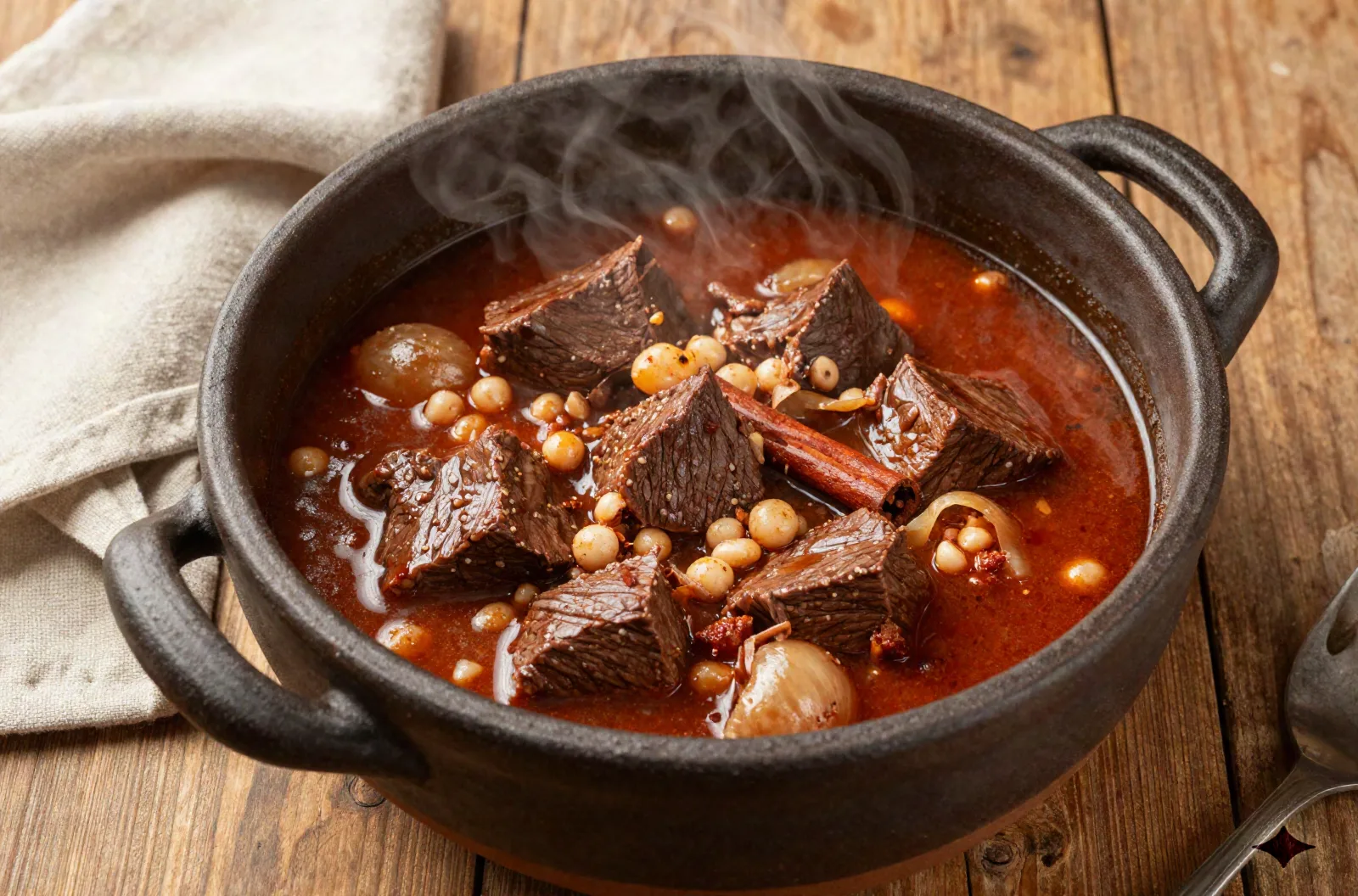
A typical stifado Reel runs three minutes, mostly music and a slow pan across a simmering pot. Reel2Recipe skips the pan and keeps the parts that matter: 450 grams of beef, three onions, one cinnamon stick, ninety minutes on low heat. The automatic video editor does the reading so you do the cooking.
- No pausing every ten seconds to catch an ingredient
- Approximate amounts flagged, not invented
- Works on any public video with captions or clear audio
It edits for the recipe, not for your feed
This isn't a tool for trimming clips, adding captions, or building a montage for your own TikTok. It reads a cooking video and edits it down to what you'd actually write on an index card: ingredients, quantities, steps. If you need a clip editor for posting content, this isn't it, and we would rather tell you that upfront than let you find out after signing up.
- No filters, no music, no export for reposting
- Built to save you reading time, not to help you publish
- Honest about what a pinch or a splash means when it can't be converted
Questions about the automatic video editor
Is Reel2Recipe an automatic video editor for making videos, or for reading them?
How much does it cost?
Does it work on private accounts?
What does it get wrong?
How long does a conversion take?
Do I need an account to try it?
Does it handle non-English videos?
Can it fix a bad recipe, or just extract it?
Stop pausing videos to catch the recipe
Paste a link and see what the automatic video editor pulls out before you commit to anything. The first conversions are free, and there is no account required to see the result.