An AI kitchen assistant that reads the video for you
Reel2Recipe is the AI kitchen assistant that turns TikTok, Reels, and YouTube cooking videos into a recipe card you can actually cook from, no pausing every ten seconds.
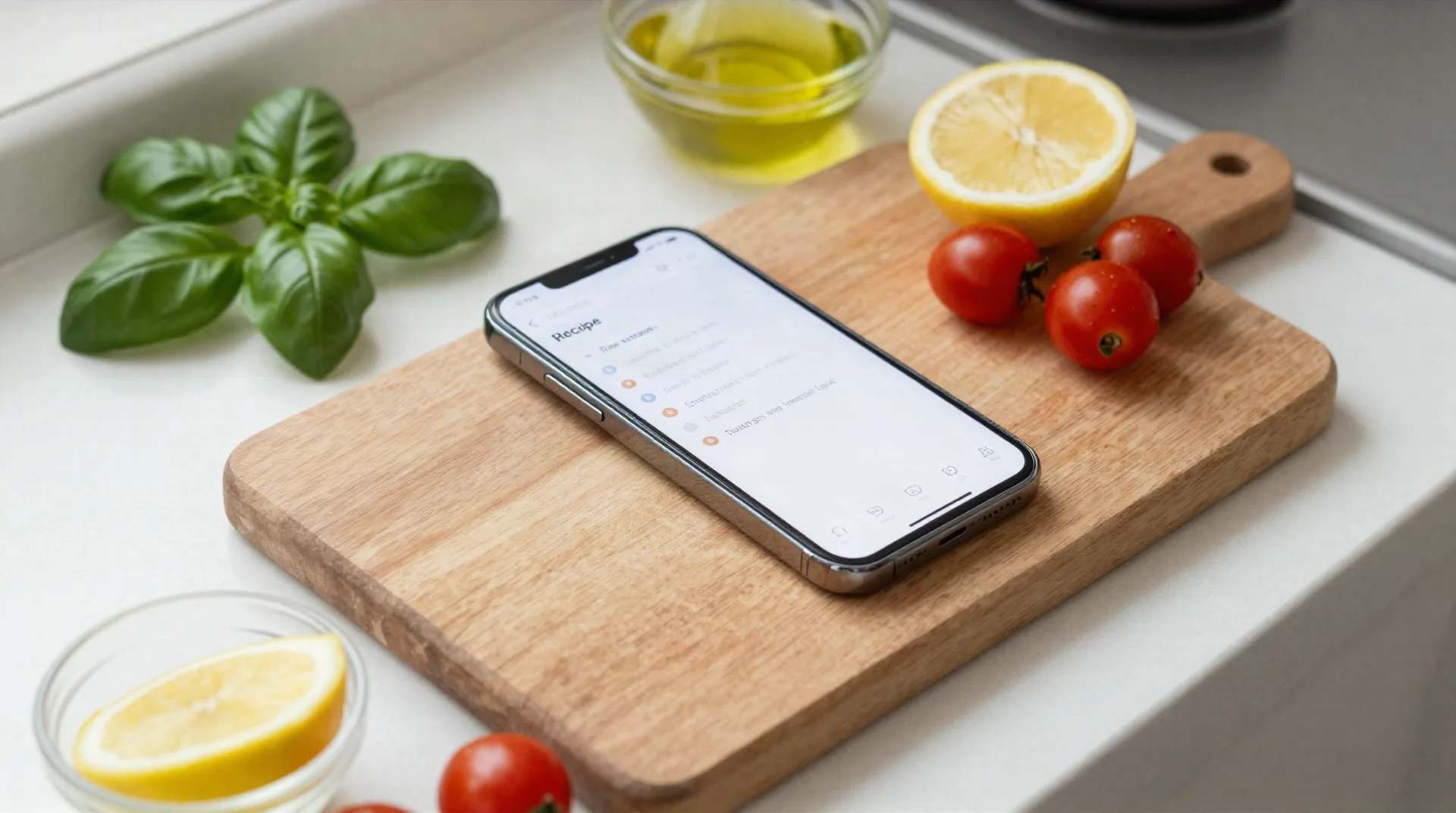
Six things a real AI kitchen assistant needs to get right
Reads the video, not the title
Captions and spoken audio get parsed for ingredients and steps, not guesses about what's in frame.
Builds one clean recipe card
Ingredients up top, steps below, same format every time, no matter which platform the video came from.
Flags what's unclear
When a video says a pinch or some olive oil, the card marks it as approximate instead of inventing a number.
Works on three platforms
TikTok, Instagram Reels, and YouTube links all go through the same assistant, no separate app per source.
Built for Mediterranean cooking
Tuned on Greek, Southern Italian, coastal Spanish, and Provençal videos, so regional ingredients get named correctly.
Reads and answers in 13 languages
The source video can be in any language it reads, and the recipe card comes back in yours.
What the assistant handles today
How the assistant reads a video
No editing skills needed. The video does the work, and the assistant reads it the way you would if you paused every ten seconds and took notes.
-
1
Paste the video link
Drop in a TikTok, Reel, or YouTube URL. No account needed to see the first result.
-
2
The assistant reads it
Captions and audio get parsed for ingredients, quantities, and steps, in the order the video shows them.
-
3
Get a recipe you can cook from
Ingredients up top, steps below, ready to read at 7 PM without touching the video again.
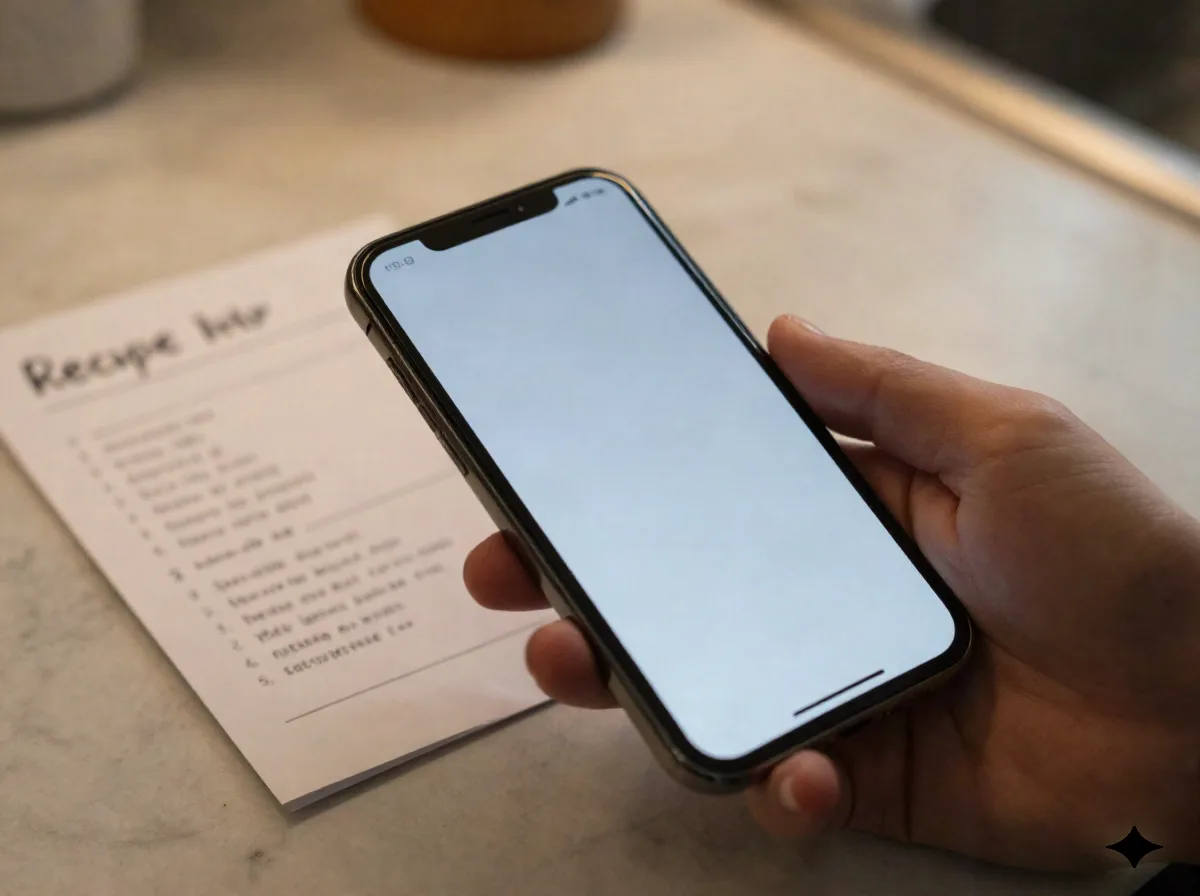
From a Sicilian video to a recipe card in under a minute
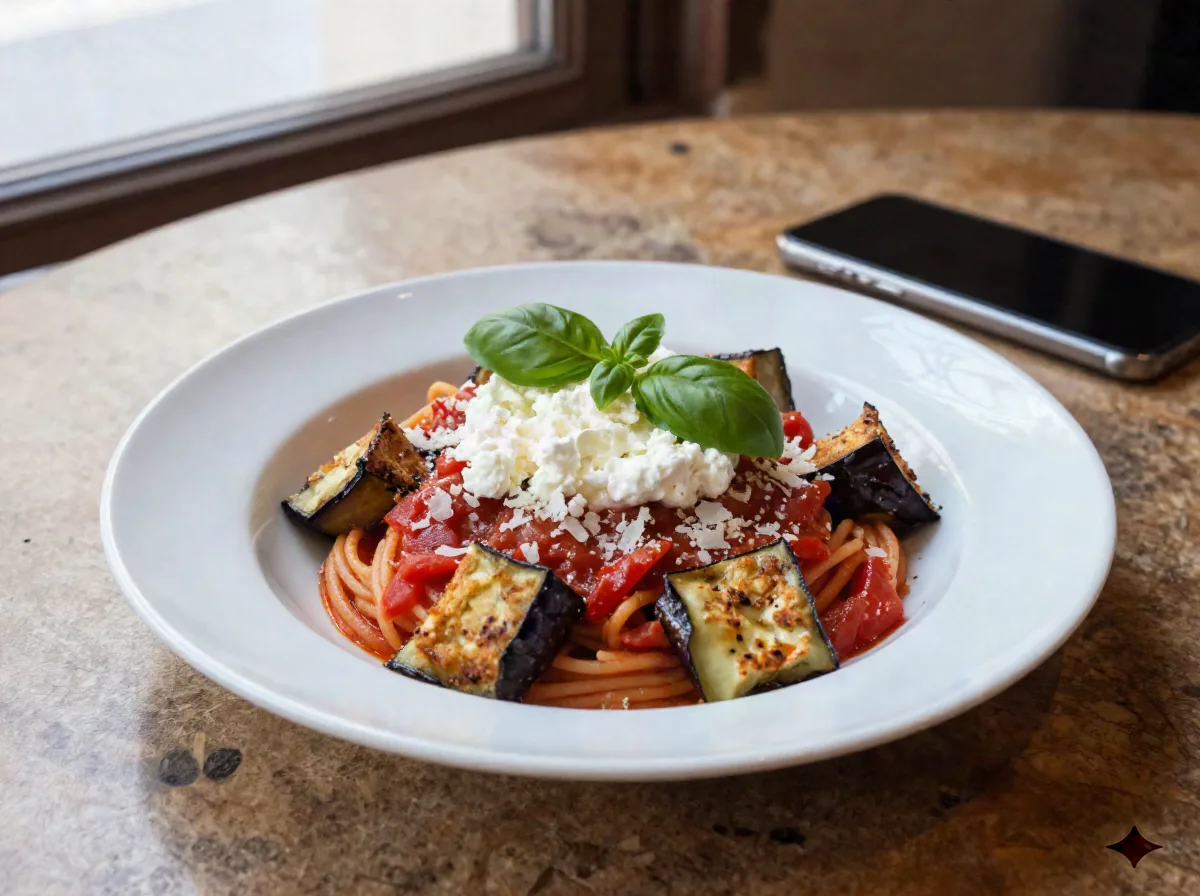
A Pasta alla Norma Reel from Catania usually runs two minutes: eggplant frying, a pan of tomato sauce, ricotta salata shaved on top. The assistant skips the b-roll and keeps what matters: 500 grams of eggplant, a 400 gram can of tomatoes, 80 grams of ricotta salata, salted and rested for 30 minutes before frying.
- No pausing every few seconds to catch a step
- Salting and resting time called out, not skipped
- Works on any public video with captions or clear audio
An assistant for the video, not a chatbot that guesses
Ask a general AI chatbot for a Pasta alla Norma recipe and it writes one from training data, an average of a thousand recipes, none of them the one you actually watched. Reel2Recipe reads the specific video you give it, so quantities match what the creator said, not a statistical guess. If the video is vague, the recipe says so instead of filling the gap with a made-up number.
- Extracts from your video, doesn't invent from a prompt
- Marks unclear amounts as approximate, on purpose
- Not a meal planner: one video in, one recipe out
Common questions
Is Reel2Recipe an AI kitchen assistant or just a video converter?
How is this different from asking ChatGPT for a recipe?
How much does it cost?
What does it get wrong?
Does it work on videos in other languages?
Does it help plan my week's meals?
How long does a conversion take?
Do I need an account to try it?
Try your AI kitchen assistant on your next recipe video
Paste a link and see the recipe card before you create an account.